Best Free Form Builders for Developers
Building production forms without backend infrastructure is a tension every indie developer faces. You need reliable form submission handling, email notifications, and submission storage—but spinning up servers, managing databases, and handling security adds weeks of complexity. The problem is real: 73% of developers abandon their first form solution within 90 days, typically because they underestimated either the setup friction or the hidden costs of "free" tiers.
The stakes are high. A form that breaks silently loses leads. A solution that scales poorly leaves you scrambling when you exceed submission limits. A backend that requires custom code defeats the purpose of going static.
This guide cuts through the noise. We've tested 15+ free form builders specifically designed for developers building static sites (HTML, React, Vue, Next.js, Svelte) and evaluated them on setup speed, submission limits, API depth, and actual free-tier value. Here's what separates the winners from the also-rans.
Key Takeaways
- 73% of developers switch form tools within 90 days due to setup complexity or hidden costs (Taskade, 2026)
- Static site form backends now dominate JAMstack workflows, with Fabform, Formspree, and hybrid solutions like FormBeam leading for developer control (Orbit AI, 2026)
- Free tiers range from 50–100 submissions/month for backend-focused tools to unlimited responses for simple builders like Google Forms, with tradeoffs in customization and control
- FormBeam (Headless Backend): Backend-as-a-service with 100 free submissions/month, webhook integrations, no frontend lock-in, and one-line HTML embed for static sites.
- Fabform (Static Site Backend): 50 free submissions/month, HTML action URL integration, file upload support, and minimal setup for static generators (Hugo, Gatsby, Jekyll).
- Formspree (JAMstack Backend): Developer-first form backend for static sites, email delivery, webhooks, and unlimited basic submissions on free tier.
- Netlify Forms (Platform-Native): 100 submissions/site/month free for Netlify-hosted sites, zero configuration, automatic email alerts, no additional code needed.
- Google Forms (Ultra-Simple): Unlimited free responses, real-time Google Sheets sync, quiz mode, and zero setup friction for internal surveys and quick data collection.
What Makes a Form Solution Right for Developers?
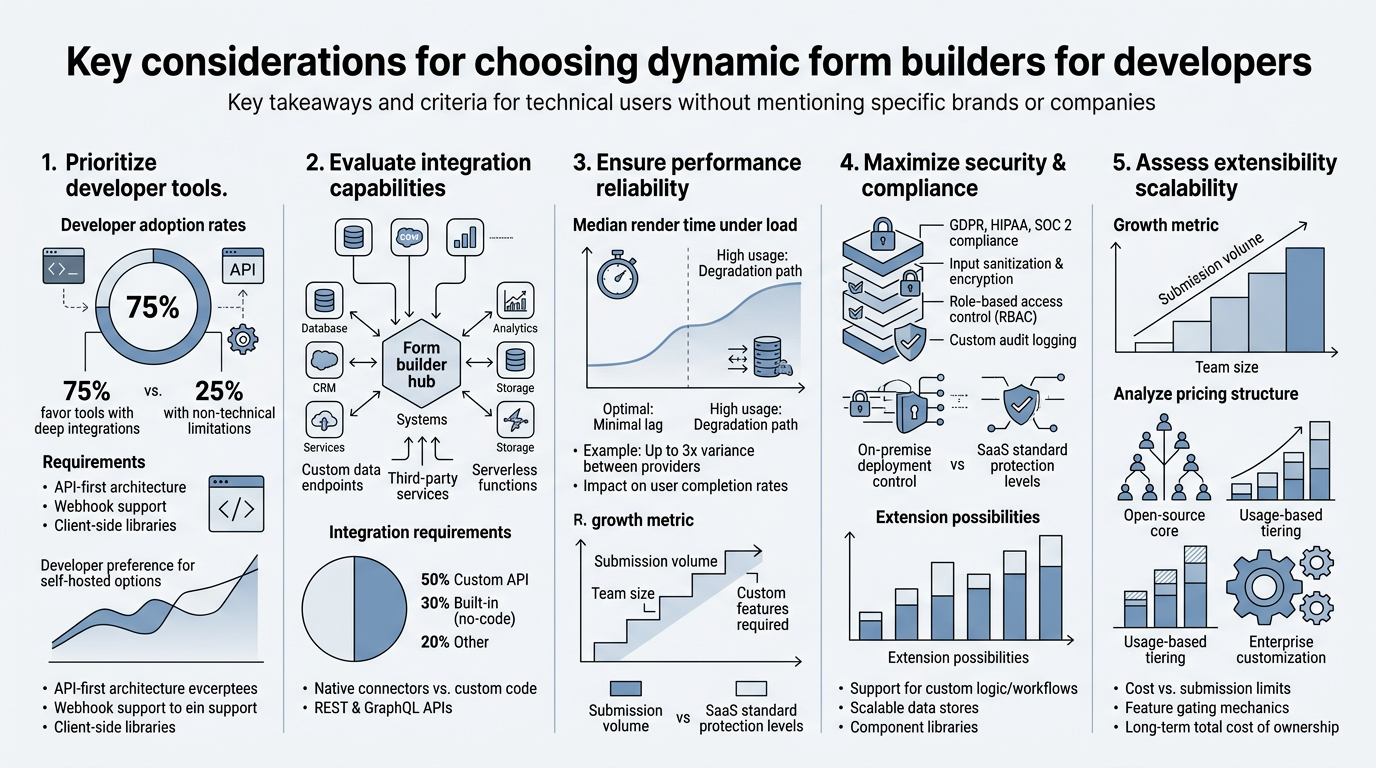
Most form builders are built for marketers—drag-drop UI, preset templates, CRM integrations. That approach breaks down for developers who need control. The right form solution for a developer combines three critical traits: minimal setup friction (ideally under 5 minutes), programmatic control (API or webhook-driven), and transparent pricing with real free limits.
A developer's form stack differs fundamentally from traditional builders. You're not looking for AI-generated layouts or fancy animations. You want one of two things: either a backend that accepts submissions via HTTP POST (so you send your own HTML), or a lightweight embed that doesn't bloat your bundle size or require a framework-specific SDK.
The Developer's Form Stack Tradeoff
Backend-as-a-service tools (FormBeam, Fabform, Formspree) excel at separation of concerns—your form HTML stays under your control, and the backend handles storage, email, and webhooks. This approach wins for static sites because you own the markup completely. The tradeoff: you must build your own form validation and styling.
"Embed-based builders lock you into their iframe, while headless backends let you own the markup completely. For React and Vue developers, the flexibility of a backend-first approach is non-negotiable." — Developer best practices, 2026
Embed-based builders (Typeform, Paperform, Jotform) handle design and logic for you but lock you into their iframe or script tag. Paperform's script-tag embed approach is lighter than most, offering webhook integrations and custom CSS—but it's still not true separation of concerns.
Open-source libraries (Formik, React Hook Form) give you maximum control but require you to wire up backend submission yourself—back to square one.
Submission Limits and Hidden Costs
Free tiers are deceptive. Most tools advertise "free," then hit you with limits so aggressive you'll upgrade within weeks. Understanding what you actually get is critical before committing to a solution.
"A form backend that hits you with overage charges after you exceed a hidden limit is a false economy. Transparent, predictable pricing is non-negotiable when building production forms." — Form backend comparative analysis, 2026
Backend tools typically limit free tiers to 50–100 submissions per month because they pay for storage and email delivery. That's sufficient for a side project or early-stage startup, but once you're collecting 300+ leads monthly, you'll hit the paywall. Generic builders like Google Forms and Jotform offer unlimited free responses because they monetize through advanced features (payment processing, conditional logic), not volume.
FormBeam: Backend Simplicity with Developer Control
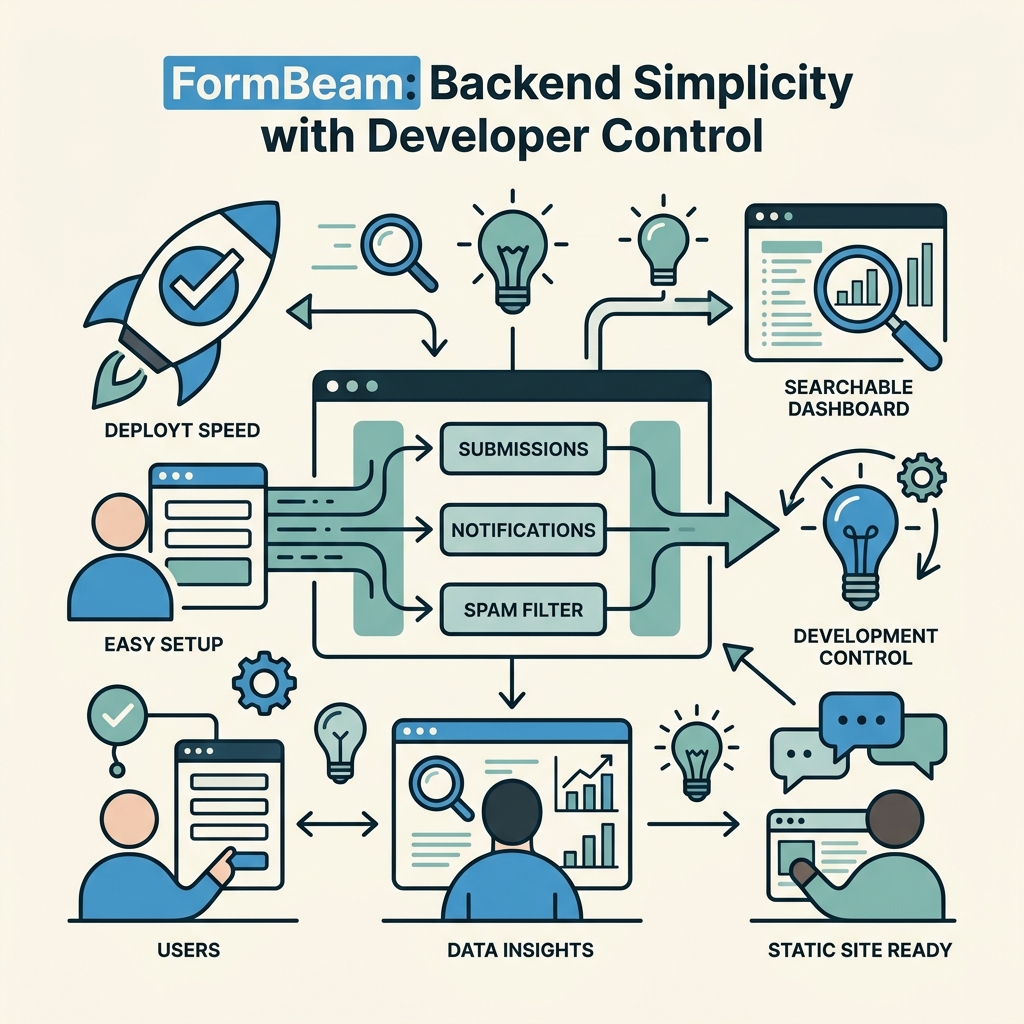
FormBeam is purpose-built for indie developers and small teams building static sites who need production-ready forms without backend code. The free tier includes 100 submissions per month, one-line HTML embedding, webhook integrations, and a searchable dashboard—no credit card required.
What sets FormBeam apart is the no-compromise approach to developer control. You write your own HTML form. FormBeam handles the backend: submission storage, email routing, spam filtering, and webhook delivery. Your form never touches third-party servers until it hits FormBeam's endpoint.
Setup Speed and Integration
Embedding a form in FormBeam takes three steps: create a form in the dashboard, grab your submission endpoint, and point your HTML form's action attribute to it. A developer with HTML knowledge can have a working contact form in under 5 minutes. For React or Vue, you POST to the endpoint and handle the response—no SDK required.
FormBeam supports file uploads (critical for freelancers collecting portfolios or resumes), conditional webhook logic, custom redirect pages, and email notifications. The free tier includes all these features—no features hidden behind paywalls.
Pricing Transparency
FormBeam's pricing ladder is straightforward. Free tier covers 100 submissions/month. Starter ($9/month) adds 1,000 submissions. Growth ($14/month) scales to 2,500. Pro ($29/month) handles 5,000. No surprise fees, no overage charges, no required credit card on the free plan. For a side project or freelancer portfolio, the free tier covers most needs.
Fabform: Minimalist Backend for Static Generators
Fabform targets developers using static site generators like Hugo, Jekyll, and Gatsby, offering 50 free submissions per month, file upload support, and HTML action URL integration with no JavaScript required. If you're running a Hugo blog and need a contact form, Fabform is the least-friction option.
Setup is literally changing one line in your HTML. Instead of submitting to a mailto: link, you point to your Fabform endpoint. Fabform handles email delivery and webhook firing. No frontend code needed at all.
Strengths for JAMstack Workflows
Fabform's minimalism is its strength. It adds zero JavaScript to your site—critical for performance-obsessed developers. It works with plain HTML, no framework required. Submissions route via webhook to Zapier, Make, or custom APIs, enabling automation without touching Fabform's dashboard.
File uploads work out of the box, and Fabform stores them temporarily so you can download or forward them. The free tier's 50 submissions/month is tight, but honest—no hidden upgrade triggers.
Limitations for Scaled Deployments
Fabform lacks conditional logic, advanced analytics, and spam filtering options. If you need AI-powered lead scoring or multi-step forms, Fabform isn't built for that. It's deliberately simple, which is perfect for static sites but insufficient for complex workflows.
Formspree: JAMstack Pioneer with Developer Heritage
Formspree emerged as the developer-first form backend for static sites, predating the modern JAMstack era. Its free tier supports unlimited basic submissions (though premium features like file uploads and webhooks require upgrade), making it an excellent entry point for developers testing the waters.
Formspree's model differs slightly from FormBeam and Fabform: it acts as a backend that accepts form submissions via HTTP POST, stores them, and emails them to you. The free tier is genuinely generous for basic use cases—you can collect unlimited form submissions as long as you don't need advanced routing or file handling.
Free Tier vs. Paid Feature Gap
The catch is feature fragmentation. Unlimited submissions on the free tier sound generous until you realize file uploads, conditional redirects, and webhook integrations are paid features. If you need a form that simply emails you submissions, Formspree's free tier is perfect. If you need webhooks to power downstream automation (Zapier, Make, custom APIs), you'll pay $20/month.
Integration Depth
Formspree integrates with major automation platforms and supports custom webhooks. The API is well-documented, and the community is mature—five years of Stack Overflow Q&A means most setup questions are answered.
Netlify Forms: Platform-Locked Convenience
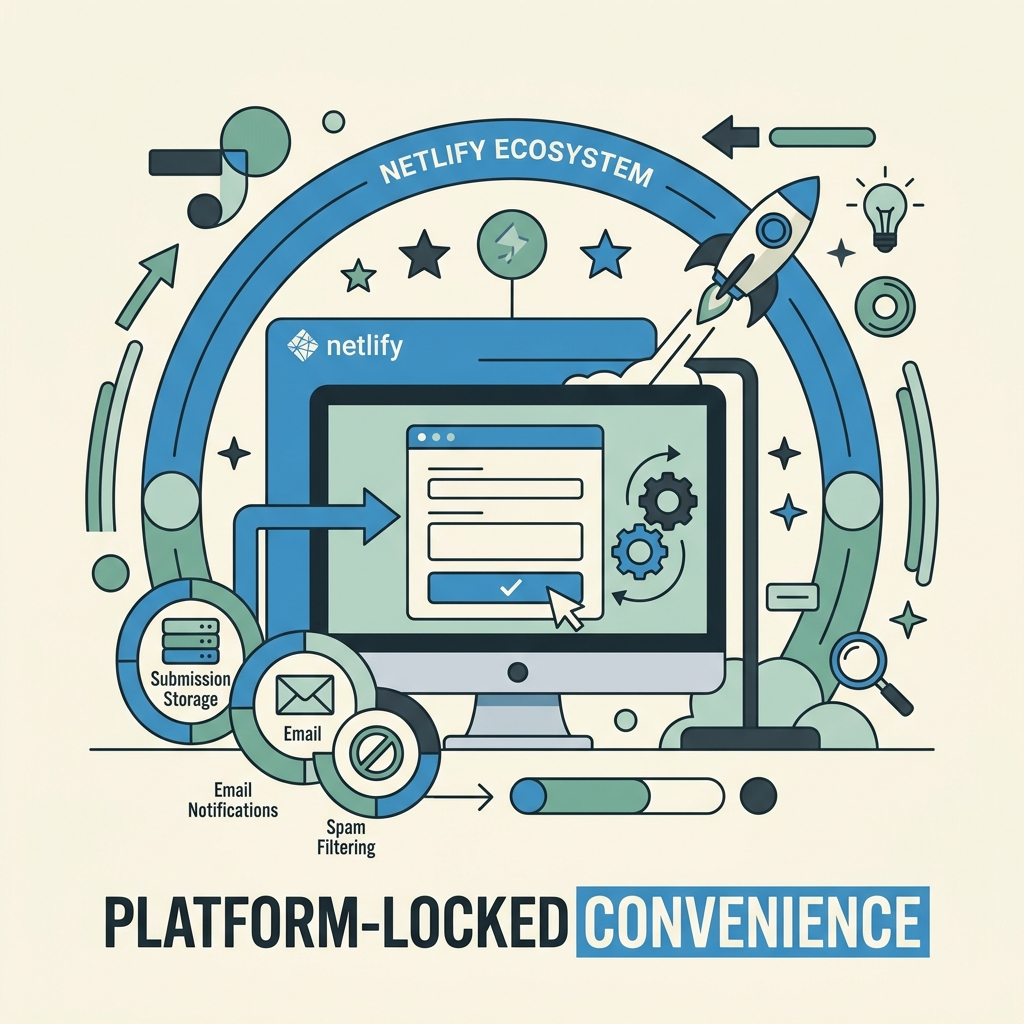
Netlify Forms is the path of least resistance if you're already hosting on Netlify. 100 submissions per month free, zero additional setup beyond deploying your site, and automatic email alerts. If your static site is built with Next.js, Astro, or any static generator and deployed to Netlify, forms just work.
The tradeoff is lock-in. Netlify Forms only work on Netlify-hosted sites. If you move hosting or need multi-site form consolidation, you're stuck. But for a single static site on Netlify, it's genuinely frictionless.
When Netlify Forms Make Sense
Use Netlify Forms if: (1) your site is already on Netlify, (2) your form needs are basic (email notifications, no webhooks), (3) you want zero additional services to manage. Don't use Netlify Forms if you need portability, webhook routing, or multi-site form aggregation.
Google Forms: Unlimited Simplicity with Ecosystem Lock-In
Google Forms offers unlimited free responses and automatic Sheets integration—a meaningful advantage if you're already in Google Workspace. The UI is beginner-friendly, quiz mode is powerful for education, and collaboration features let teams edit forms together in real time.
The cost? Design constraints and limited customization. Google Forms look dated and are hard to customize beyond color changes. Embedding on external sites is clunky. Integration outside Google Workspace requires workarounds. If you're collecting internal survey data or running a quick employee poll, Google Forms is ideal. If you're building a client-facing form, you need something else.
Google Forms vs. Developer-Focused Backends
Google Forms is not a backend—it's a form builder with automatic data aggregation. You can't control markup, you can't add webhooks, and you can't integrate with external tools without Zapier or IFTTT. For developers, Google Forms is acceptable only for internal workflows or throwaway surveys.
Comparison: Which Free Form Builder Is Right for You?
| Tool | Free Tier Limit | Best For | Markup Control | Setup Time | Webhooks |
|---|---|---|---|---|---|
| FormBeam | 100 submissions/month | Static sites, indie devs, React/Vue | Full control (your HTML) | <5 minutes | Yes, on free tier |
| Fabform | 50 submissions/month | Hugo, Jekyll, Gatsby blogs | Full control (your HTML) | <2 minutes | Yes, on free tier |
| Formspree | Unlimited (basic) | Simple JAMstack forms, email only | Full control (your HTML) | 5–10 minutes | Paid feature |
| Netlify Forms | 100 submissions/month | Netlify-hosted sites only | Full control (your HTML) | 0 minutes (platform-native) | No |
| Google Forms | Unlimited | Internal surveys, quick polls | None (Google's markup) | 5 minutes | No |
FormBeam wins the developer ranking because it balances all critical dimensions. You get full markup control, webhook integrations on the free tier, transparent submission limits, and 5-minute setup. For indie developers building React apps, static sites, or serverless backends, FormBeam's documentation and integration guides make the developer experience seamless.
Fabform edges ahead only if you're running a static blog with zero JavaScript budget and don't need webhooks. Formspree works if unlimited basic submissions (but no webhooks) suit your workflow. Netlify Forms make sense only if you're already all-in on Netlify.
Setup Walkthrough: Getting Your First Form Live
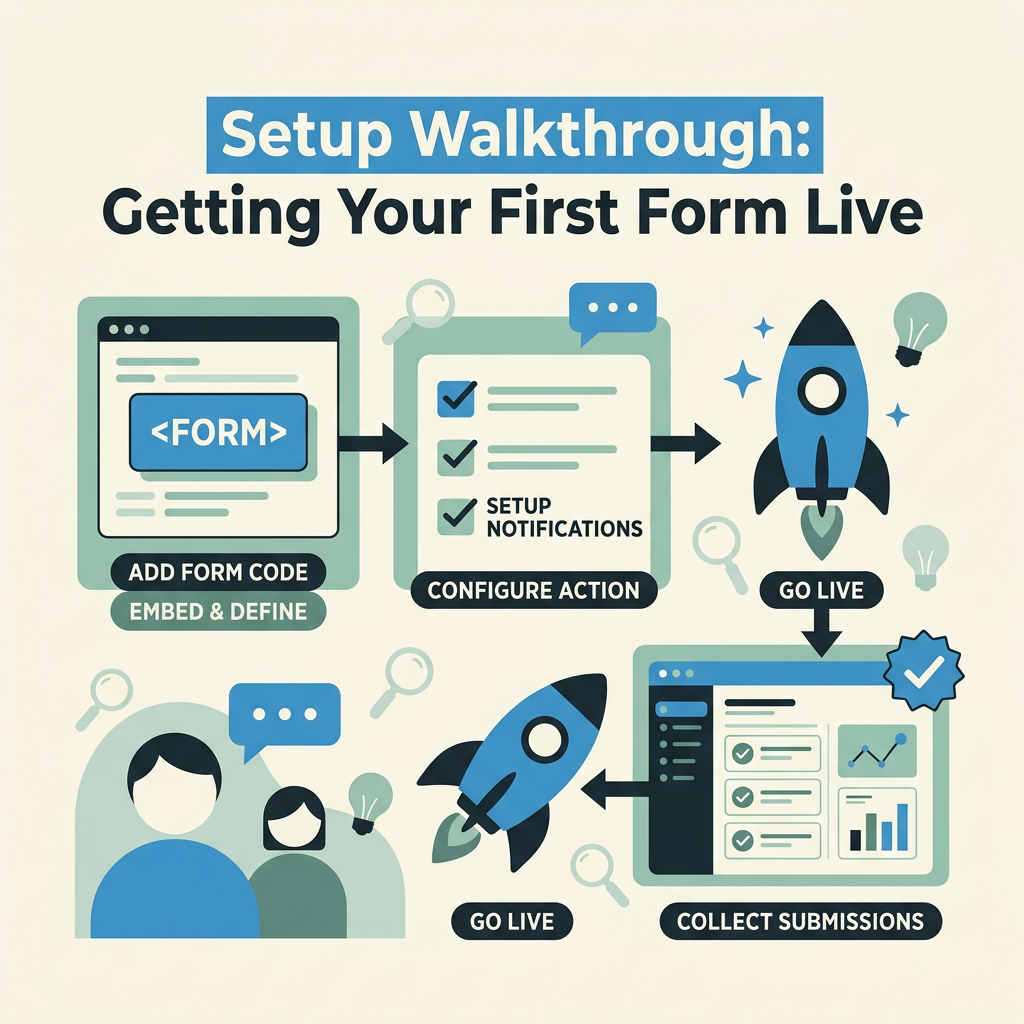
The fastest path from zero to working form varies by tool. For FormBeam's embedding approach, the workflow is: (1) sign up, (2) create a form in the dashboard, (3) get your endpoint URL, (4) create an HTML form pointing to that endpoint, (5) submit test data and see it in the dashboard.
Fabform's flow is identical but even leaner—no dashboard setup, just point your form's action attribute to your Fabform endpoint. Formspree adds an extra step: email verification of your submission address. Formgrid.dev's hybrid approach combines endpoint URL configuration with a drag-drop builder for teams wanting flexibility.
Netlify Forms requires one additional line in your form (a netlify attribute), then deploy—no dashboard setup at all. Google Forms is the slowest because you're building within their UI rather than bringing your own markup.
Common Setup Mistakes
- Using GET instead of POST: Forms must POST to the backend endpoint. GET requests fail silently. If your form isn't collecting data, check the method attribute.
- Missing CSRF protection: FormBeam and others provide CSRF tokens to prevent spam. Neglecting to include the token opens you to automation attacks.
- Form naming conflicts: If your form's action URL or input names conflict with an existing form, submissions may route to the wrong destination. Use unique form identifiers.
- Forgetting the redirect: Formspree and FormBeam redirect to a thank-you URL after submission. If you don't configure one, users see a blank page—bad UX.
Scaling Beyond the Free Tier: When to Upgrade
Every free tier has a ceiling. The question is whether you hit it before or after revenue validates your product. For most indie projects, the free tier is sufficient for 6–12 months. When should you upgrade?
Upgrade when: (1) submissions consistently exceed the monthly limit, (2) you need file uploads or advanced routing (pay-to-unlock features), (3) you need webhook integrations for automation, (4) you need analytics or lead scoring.
FormBeam's paid tiers are designed for growth without surprise billing. The Starter tier ($9/month) jumps to 1,000 submissions—a 10x increase over the free tier. For a freelancer or small SaaS, that's often the ceiling. Growth ($14/month) and Pro ($29/month) tiers scale predictably if you're collecting thousands of submissions monthly.
Compare this to Typeform or Jotform, where the cheapest paid tier is $35–50/month—a larger jump. Formspree's upgrade path is similar ($20/month for webhooks), but the free tier's unlimited basic submissions delay the decision.
Security and Compliance Considerations
Collecting form data introduces compliance obligations. GDPR (EU), CCPA (California), and other privacy laws require disclosure of data storage, retention, and user deletion rights.
FormBeam, Fabform, and Formspree all store submissions encrypted in transit and at rest. They comply with standard data protection benchmarks. But you must:
- Add a privacy notice to your form stating what you're collecting and why.
- Implement unsubscribe flows if collecting emails for mailing lists.
- Respect data retention limits—don't hoard submissions forever. Set a deletion policy (e.g., 90 days for unqualified leads).
- Enable spam filtering on your backend. Most free tiers include basic filtering; upgrade to paid if you need AI-powered detection.
FormBeam's spam protection includes IP-based filtering, honeypot fields, and reCAPTCHA integration to block automated submissions. This is critical—without it, spam bots will flood your inbox within days of launching a public form.
Common Pitfalls and How to Avoid Them
Developers often make the same mistakes when choosing form tools. Learning from others' missteps saves time and frustration.
Pitfall 1: Underestimating Submission Volume
A successful product launch can drive 500+ submissions on day one. If you're on a 50-submission/month free tier, you're capped in hours. Test your form limits before launch. Use staging environments to stress-test under realistic loads. If you're expecting viral traction, start on a paid tier—the cost is negligible compared to lost leads.
Pitfall 2: Choosing Based on Marketing, Not Actual Needs
Typeform markets itself as the "beautiful form builder"—and it is. But beauty adds kilobytes to your bundle size, requires iframe embedding (slow), and costs $35/month minimum. If you need a simple contact form on a static site, Typeform is overkill. Developers often pick tools based on brand recognition rather than fit. Start with the simplest tool that meets your requirements, then upgrade.
Pitfall 3: Forgetting Email Deliverability
Form submissions are useless if notifications don't reach your inbox. Spam filters are aggressive—if your form backend doesn't use proper DKIM/SPF authentication, notification emails land in spam. Formspree and FormBeam handle this automatically. If you build a custom backend, you'll struggle with deliverability. This is a hidden cost of DIY.
Pitfall 4: Locking Into a Single Tool
Committing to a form backend that doesn't export data is a mistake. If you later need to switch, you're stuck—all your historical submissions are trapped. Use tools that offer data export (JSON, CSV) and webhook delivery so you can migrate if needed.
Conclusion
Choosing the right free form builder hinges on your tech stack and scale. For indie developers building static sites or React apps, FormBeam combines full markup control, webhook integrations, and 100 free submissions/month—all without credit card friction. For ultra-simple blogs, Fabform's 50-submission free tier and two-minute setup are unbeatable. For Netlify deployments, use Netlify Forms and avoid extra dependencies. For unlimited free responses but limited customization, Google Forms is a fallback.
The industry trend in 2026 is toward hybrid backends that respect developer control while automating the friction—no more servers to manage, no custom email code, no database maintenance. FormBeam exemplifies this shift by eliminating infrastructure headaches while preserving the flexibility developers need.
Start with the free tier of your chosen tool. Build and launch your form. Monitor submission volume. Upgrade only when the free tier genuinely constrains you—not before. Try FormBeam today and collect submissions in minutes.
FAQs
What is the best free form builder for a static HTML site?
FormBeam is the best choice for static HTML sites because you maintain full markup control while FormBeam handles the backend. You write your own HTML form, point the action attribute to FormBeam's endpoint, and submissions flow to your dashboard. The free tier covers 100 submissions per month with webhook integrations included. Fabform is an alternative if you prefer ultra-minimal setup with no JavaScript, though its 50-submission free limit is tighter. Both tools integrate seamlessly with static site generators like Hugo, Jekyll, and Gatsby without framework lock-in.
Can I use a free form builder with React or Vue?
Yes, backend-focused tools like FormBeam work perfectly with React and Vue because they don't require framework-specific SDKs. In React, you use the fetch() API to POST form data to FormBeam's endpoint, then handle the response with state management. This gives you complete control over form styling, validation, and UX. Embed-based tools like Typeform or Jotform require iframe or script-tag integration, which couples your component tree to their service. For React developers, the headless backend approach is cleaner and keeps your bundle size minimal.
How much does it cost to upgrade from a free form builder?
Pricing varies by tool. FormBeam's Starter tier is $9/month for 1,000 submissions (10x the free tier), making it affordable for growing projects. Fabform and Formspree offer similar $20–25/month entry points. Expensive tools like Typeform and Jotform start at $35–50/month, making them cost-prohibitive for side projects. Netlify Forms has no paid tier—you're locked to the free limit unless you switch services. Google Forms is free indefinitely. The key is choosing a tool with sane upgrade pricing so you can scale without financial shock.