Building Multi-Step Forms with Conditional Logic
Most online forms are digital interrogations. Long, single-page forms with 10+ fields ask too much too soon, triggering instant abandonment. The solution? Multi-step forms with conditional logic cut abandonment by 86% compared to single-page equivalents, turning friction into momentum. By breaking forms into logical steps and showing only relevant fields based on user responses, teams deliver personalized experiences that convert. Here's how to build them effectively and which tools handle the complexity for you.
Key Takeaways
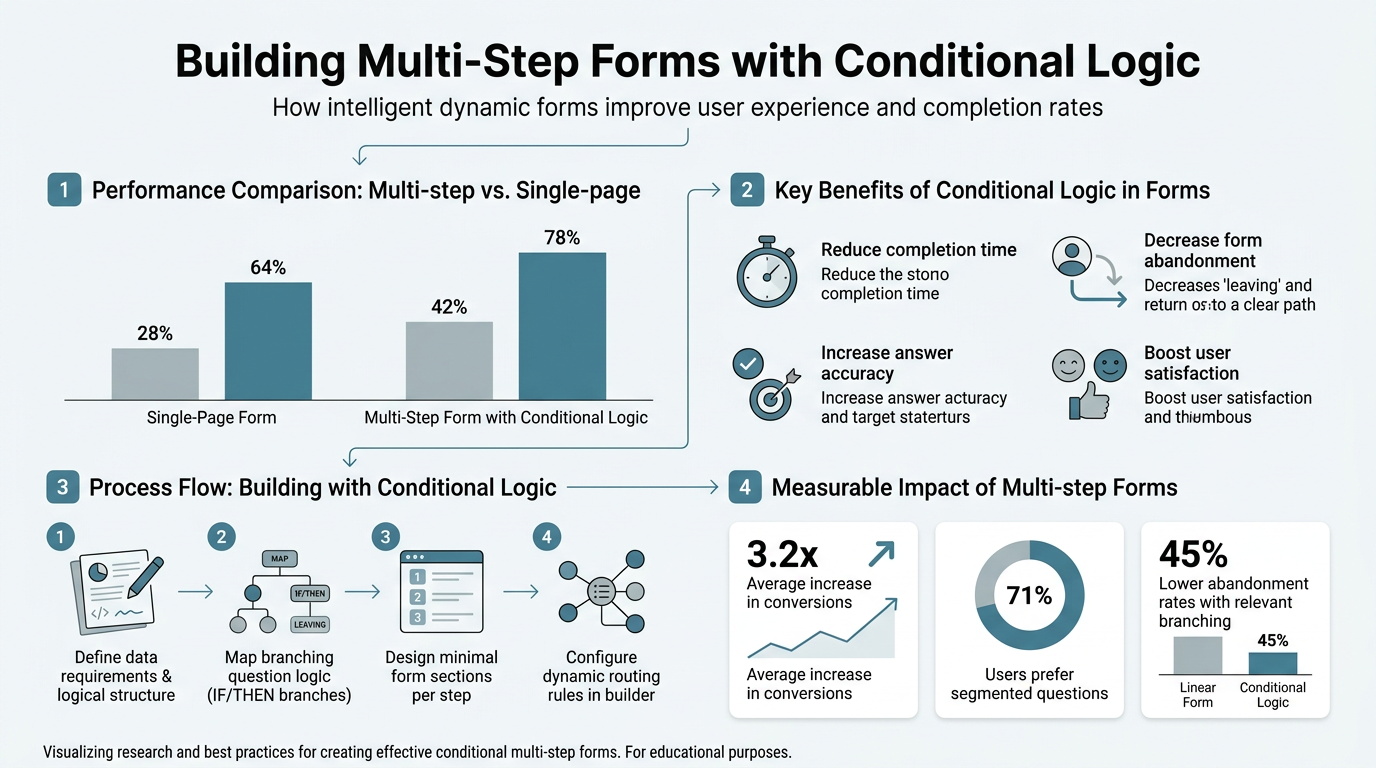
- Multi-step forms achieve 13.85% completion rates versus 4.53% for single-page forms, a 300% performance uplift (2026 data)
- Conditional logic personalizes journeys by showing only relevant fields based on user answers, reducing cognitive load
- Progress indicators and single-column layouts boost completion further; always show "Step X of Y"
- What Is Conditional Logic in Forms: Dynamic rules that hide/show fields or branches based on prior answers, enabling one form to serve multiple audience paths.
- Why Multi-Step Matters: Single-page forms lose 95.47% of users; breaking into steps with conditional branching triples conversions and improves lead quality.
- Building Conditional Logic: Define rules upfront, use clear operators (equals, contains, greater than), and test every path before launch.
- Implementation Approaches: No-code builders for marketing teams, React frameworks for developers, or backend services for indie developers building on static sites.
- Best Practices for Forms: Limit 1-2 fields per step, always include progress bars, delay sensitive questions, and personalize button text (not "Submit").
What Is Conditional Logic in Forms?
Conditional logic is a set of "if/then" rules that control form behavior based on user input. When a user selects "freelancer," the form branches to show freelancer-specific questions; when they select "enterprise," it shows a different path. Instead of one rigid form, conditional logic creates multiple personalized journeys within a single form structure, adapting in real time. This is the core differentiator between generic forms and high-converting ones.
How Conditional Rules Work in Practice
Conditional logic operates on simple logic operators: equals, does not equal, contains, greater than, less than, and combinations of the above. A rule might read: "If budget is greater than $50,000, show the enterprise contact field and hide the startup rate sheet." Another: "If role equals 'marketer,' show the campaign goals section; otherwise, skip it." The form evaluates each rule instantly as the user answers, controlling visibility of entire sections, individual fields, or even the next step of the form. Form Assembly research emphasizes this personalization approach reduces irrelevant field fatigue and keeps users engaged by asking only what matters to them.
"Personalization is the difference between a form users tolerate and a form users enjoy. When each question feels directly relevant to their situation, completion rates soar."
— Form Assembly Multi-Step Form Study, 2025
Single Versus Multi-Step Forms with Branching
A single-page form with conditional logic hides/shows fields but loads everything upfront, which can confuse users with long, dynamic lists. Multi-step forms with conditional logic are superior: they guide users through steps sequentially, with each step containing only 1-2 fields relevant to their path. The form changes the next step based on the current answer, creating a narrative flow. This combination—multi-step structure plus conditional branching—delivers the highest completion rates. Gnosari's 2026 data confirms multi-page forms achieve 13.85% completion versus 4.53% for single-page, with conditional logic accounting for much of this lift.
Why Conditional Logic Drives Conversions and Lead Quality

Conditional logic is not a nice-to-have feature. It directly impacts three business outcomes: completion rates, lead quality, and user confidence. Without conditional logic, forms ask everyone every question, creating noise. With it, each user sees a curated experience. Studies show multi-step forms reduce form abandonment by 67% compared to single-page equivalents when conditional logic personalizes the path.
Reducing Cognitive Load and Overwhelm
Psychology is the first reason: humans experience decision fatigue when faced with too many options or questions at once. A 15-field form on one screen triggers fight-or-flight. A three-step form with 5 fields per step feels manageable. Conditional logic multiplies this effect by removing irrelevant questions entirely. A freelancer never sees the "number of employees" field. An enterprise never sees the "hourly rate" field. Each user navigates a form optimized for their context, reducing the mental burden. Result? More completions, fewer abandoned sessions.
"Every irrelevant field is friction. Conditional logic eliminates that friction by showing users only what matters to them, turning abandonment into completion."
— User Experience Research, Gnosari 2026
Pre-Qualifying Leads Earlier
Traditional forms collect data blindly and sort later. Multi-step forms with conditional logic qualify leads in real time. Ask a budget question on step one. If the answer is below your threshold, you know immediately that this isn't a qualified lead—the form can route them to a different path or skip expensive follow-up fields. If budget is high, show more detailed qualification fields. Heyflow's case studies report clients double conversion rates by switching to conditional logic, with no redesign needed. The form itself becomes a lead-scoring tool, not just a collection mechanism.
Building Momentum with the Foot-in-the-Door Technique
Conditional logic enables the foot-in-the-door technique: start with an easy question to build commitment. "What's your biggest challenge?" (multiple choice, quick). User answers. Boom—they're invested. The next step asks a slightly harder question. By step three, they're willing to share email and phone. This psychological progression, combined with visible progress bars, keeps users moving forward. Forms with progress indicators and personalized CTAs boost completion by over 200% compared to generic "Submit" buttons on endless single-page forms.
Designing Conditional Logic Workflows
Building effective conditional logic requires planning before you code. The best forms start with a flowchart or decision tree that maps every possible user path. This prevents logic errors, ensures no user falls through cracks, and makes implementation faster whether you're using a no-code builder or writing JavaScript.
Creating a Decision Tree for Your Form
Map every path visually before building. Start with: "What is the primary question that splits audiences?" If it's "Are you B2B or B2C?", create two branches. Under each, what's the next question? B2B might branch on "Company size"; B2C might ask "Budget." Each branch leads to unique follow-up questions, ensuring every user sees only relevant fields. Document decision points clearly:
- Question: "Are you looking to hire contractors or full-time employees?"
- If Contractors (Branch A): Show fields for contractor rate, project scope, timeline.
- If Full-Time (Branch B): Show fields for salary, benefits budget, start date.
- Both: Show final step: company name, recruiter email.
This clarity prevents confusion during implementation. Without a decision tree, you end up with tangled logic that's hard to debug or modify later.
Setting Up Conditions with Clear Operators
Use precise logic operators to avoid ambiguity. "Contains" and "equals" behave differently: "equals" matches exact strings (case-sensitive); "contains" matches partial strings. A rule like "If role equals 'Product Manager'" requires an exact match; "If role contains 'Product'" catches "Product Manager," "Product Owner," "Product Lead." Decide upfront which is appropriate for each rule. Combine operators for complex flows:
- Simple OR: "If country equals 'US' OR country equals 'Canada', show North America content."
- Nested AND: "If budget > $100k AND industry equals 'SaaS', show enterprise tier."
- Negation: "If role does NOT equal 'Freelancer', show team size field."
Testing each rule thoroughly prevents silent failures where users see blank steps or broken branching.
Ensuring Every Path Has a Logical Endpoint
Map the end state for every path. Some forms funnel all paths into a final "confirmation" step; others send different paths to different thank-you pages or integrations. A form that qualifies enterprise leads might trigger a Salesforce sync for high-budget paths, while a starter lead gets a self-serve resource. Define these outcomes explicitly in your decision tree so developers and marketers align.
Best Practices for Building Conditional Logic Forms
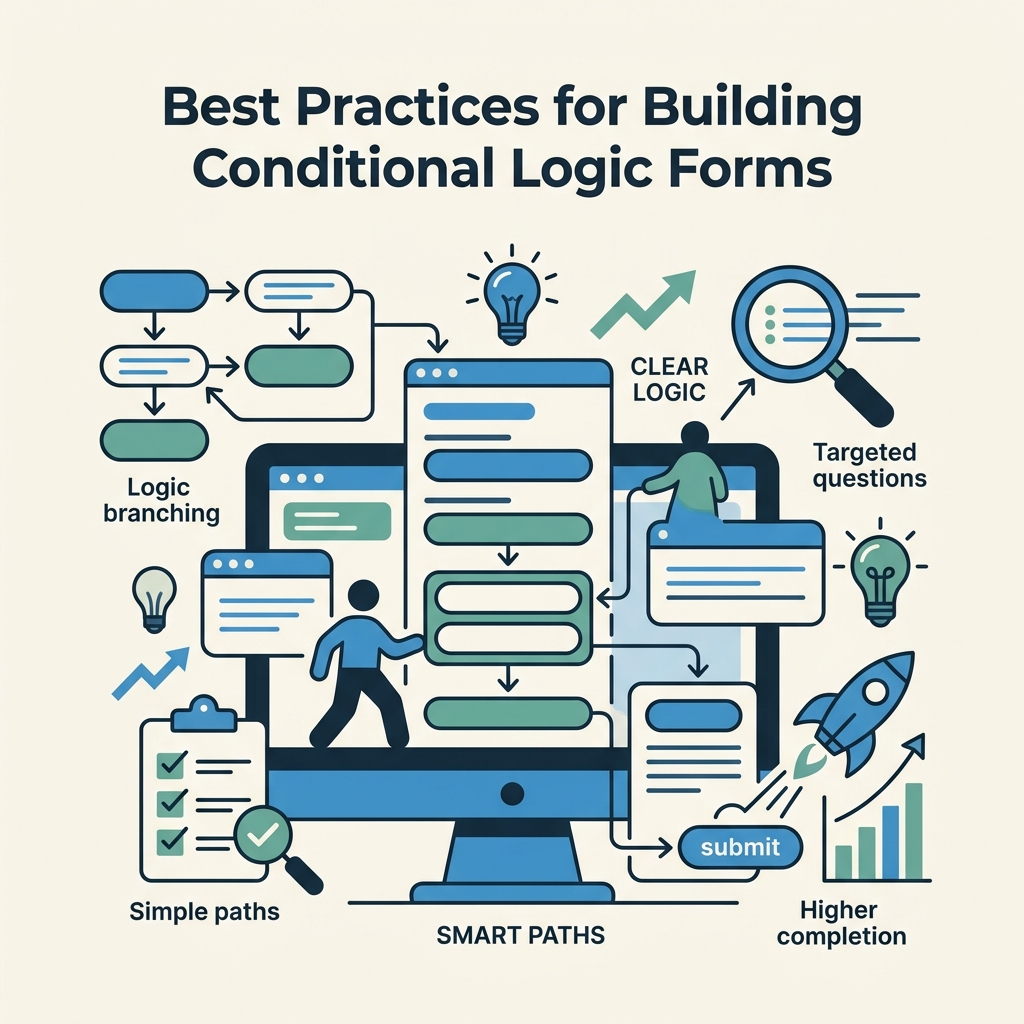
Theory is one thing; execution is another. The best teams follow proven patterns when building conditional forms.
Limit Fields Per Step to 1-2 Questions
Cognitive load returns if you cram six fields into one step, even if they're all conditional. Keep it tight: one primary question per step, optionally one follow-up clarifier. This forces logical grouping—step one is "What brings you here?"; step two is "Tell us more"; step three is "Contact info." Single-column layout beats multi-column by 15+ seconds in completion time. Respect the reader's mental energy, and they'll finish your form.
Always Display Progress Indicators
Users need to know they're making progress. "Step 2 of 5," a progress bar, or step labels ("Tell us about your company") all signal forward momentum. This is especially critical in multi-step forms: without it, users feel trapped in an endless loop. Progress bars also manage expectations—users know if it's a 3-step or 10-step journey upfront.
Delay Sensitive Questions Until Trust Is Built
Email, phone, and personal data trigger abandonment. Ask for easy, low-risk info first. If users have committed to three steps and seen they're in step 2 of 5, they're more willing to share contact info on step 4. The foot-in-the-door technique compounds: small yes leads to larger yes. Save password fields, payment info, and identity verification for the final step when commitment is highest.
Personalize the Call-to-Action Button
Generic "Next" or "Submit" buttons reduce conversions. Instead, use "Tell us about your company →", "Share your goals", or "Show me pricing." Personalized CTAs contextualize the step and increase click-through by signaling progress rather than obligation. Forms with personalized CTAs see over 200% higher completion versus standard button text.
Implementation: No-Code Versus Developer Approaches
Conditional logic can be built three ways: no-code form builders, frontend frameworks (React, Vue), or backend services. Each has tradeoffs. Choose based on your team's technical depth and speed priorities.
No-Code Form Builders: Fast for Marketers
Tools like Involve.me and Reform offer drag-and-drop conditional logic builders. Define rules visually, test instantly, and deploy without coding. Ideal for marketing teams or one-person operations that need speed over customization. The tradeoff: limited customization, ongoing third-party dependencies, and monthly fees per form. No-code works well for lead gen, quizzes, and intake forms where the form is the main product.
React and Frontend Frameworks: Control for Developers
Developers building in React, Vue, or Svelte can implement conditional logic directly in component state. Libraries like React Hook Form paired with conditional rendering (`{condition &&
Backend Services: Best for Static Sites and Indie Developers
If you're building a static site (HTML, React, Vue deployed as static assets) and need form submission handling without backend infrastructure, a service like FormBeam provides end-to-end form management. FormBeam handles submission storage, email notifications, spam filtering, and submission search with one line of embedded code. For conditional logic specifically, you define the branching in your frontend (HTML or component logic), and FormBeam handles the backend submission routing. This separation of concerns—frontend controls UX and conditional branching, backend handles storage and notifications—is ideal for indie developers and small teams avoiding backend maintenance.
| Approach | Setup Time | Customization | Ongoing Cost | Best For |
|---|---|---|---|---|
| No-Code Builder (Involve.me, Reform) | Hours | Visual only, limited | $50-200/month | Marketing teams, fast iterations |
| React/Vue Framework | Days | Full control | $0 (open-source) | Product teams, existing codebases |
| Backend Service (FormBeam) | Minutes to hours | Frontend logic + backend routing | $9-29/month | Static sites, indie developers, small teams |
| Custom Backend Code | Weeks | Unlimited | Developer time | Enterprise with unique requirements |
Common Conditional Logic Patterns and Examples
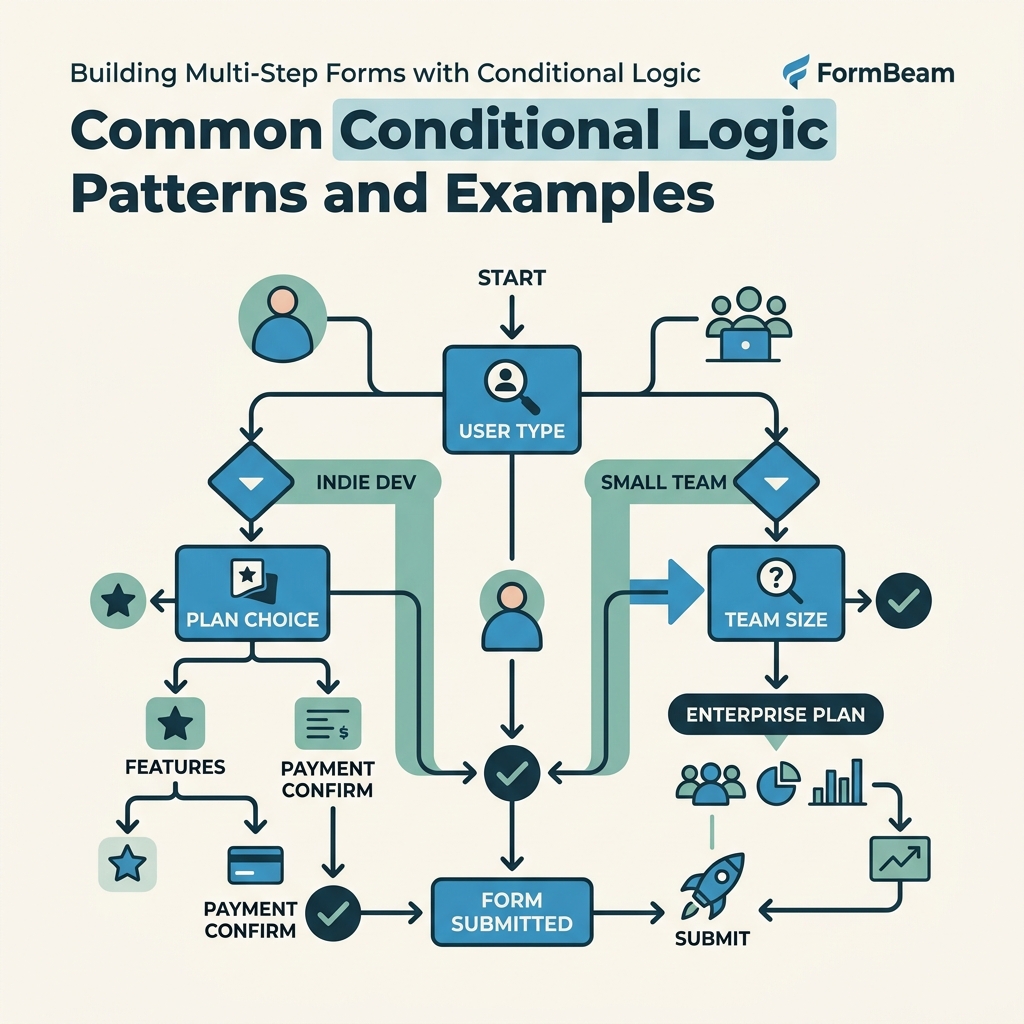
Real-world forms repeat certain patterns. Understanding these templates accelerates your design and implementation.
The Qualifier Branch: Enterprise vs. SMB
Most B2B forms split on company size or budget. First question: "How many employees?" If greater than 500, route to enterprise features and pricing. If fewer, show SMB content. This single branch cuts form bloat in half because 80% of fields differ between segments. Define the split clearly upfront.
The Funnel Pattern: Simple to Detailed
Start with one binary question ("Are you buying or selling?"), then branch into 2-3 increasingly specific questions. Each "yes" to a deeper question adds one more field. Users who aren't serious drop off early; engaged users see a detailed flow. This is the foot-in-the-door pattern applied systematically.
The Smart Field Pattern: Conditional Required Fields
Not all conditionals hide fields. Some make fields required based on prior answers. "If industry equals 'Healthcare', make HIPAA checkbox required." "If annual revenue > $1M, require VP sign-off field." This enforces data quality without overwhelming users who don't need those fields.
Testing and Debugging Conditional Logic
Complex logic breaks silently. A rule might have a typo, an operator might be wrong, or a field name might not match. Always test every path before launch.
Creating a Test Matrix
List every possible path combination. If you have two branch points (each with 2-3 options), you have 4-6 unique paths. Test each one from start to finish. Fill out the form as if you were a user on that path, and verify the right fields appear and the right integrations trigger. Document results in a simple table: Path A (Budget >$50k): Fields shown [list], CRM field mapped: [yes/no]. Repeat for every path.
Edge Cases and Negative Testing
Test boundary values. If a rule says "greater than $50,000", test with exactly $50,000 (should not trigger), $50,001 (should trigger), and $10 million (should trigger). Test with typos in dropdowns ("product manager" vs "Product Manager"). Test with empty/missing values—does the form handle a skipped question gracefully? These edge cases prevent angry users reporting bugs post-launch. FormBeam's submission dashboard makes it easy to review submitted data and spot incomplete or unexpected entries.
Conclusion
Multi-step forms with conditional logic transform generic data collection into personalized user journeys. Multi-step forms convert 300% higher than single-page equivalents, with completion rates jumping from 4.53% to 13.85% when conditional branching is applied correctly. By mapping decision trees upfront, limiting fields per step to 1-2 questions, and personalizing the entire experience, teams reduce abandonment and collect higher-quality leads.
Whether you're using a no-code builder for speed, a framework like React for full control, or a backend service like FormBeam for static sites, the principles remain the same: ask the right question, branch intelligently, and never overwhelm your user. Start with a simple two-branch form, test thoroughly, and iterate based on completion data. The result is a form that users want to finish, not abandon.
Try FormBeam for a backend form service that handles submissions, email notifications, and submission search without backend code—so you can focus on building the conditional UX your audience deserves.
FAQs
How do I add conditional logic to a form without coding?
No-code form builders like Involve.me, Reform, and similar platforms offer drag-and-drop conditional logic editors. You define rules visually: "If answer equals X, show field Y." These builders handle the logic rendering and submission processing, so you never touch code. The tradeoff is limited customization and ongoing monthly fees. For teams prioritizing speed over deep customization, this is the fastest path to a conditional form.
Why do multi-step forms convert better than single-page forms?
Multi-step forms win because they reduce cognitive overload and use the foot-in-the-door technique. When users see 15 fields on one page, they experience decision fatigue and abandon. Multi-step forms break the load into manageable 1-2 field steps, making the form feel doable. Combined with progress indicators and conditional logic that hides irrelevant fields, multi-step forms achieve 13.85% completion rates versus 4.53% for single-page. Users feel momentum, not overwhelm, and finish what they started.
What's the difference between showing/hiding fields versus branching to new steps?
Showing/hiding fields on a single page is conditional rendering: rules toggle field visibility dynamically. Branching to new steps is conditional navigation: rules determine which step the user sees next. Single-page conditional logic can confuse users with too many toggling options. Multi-step conditional branching guides users through a clear, linear path tailored to their answers. For high-conversion forms, step-based branching is superior because it provides narrative flow and manageable step size, whereas single-page toggling risks overwhelming users even if most fields are hidden.