Building React Forms Without a Backend Service
Most developers building React applications face the same problem: forms need a server to handle submissions, but deploying and maintaining a backend feels like overkill for a simple contact form or newsletter signup. Setting up servers, databases, email services, and security infrastructure can consume weeks of development time. Yet 90% of landing pages use dedicated form services instead of custom backends, because the overhead isn't worth it. The solution is choosing the right form backend service — one that handles submission storage, email notifications, spam protection, and submission management without requiring you to write a single line of backend code.
Key Takeaways
- React Hook Form dominates with 42.7k GitHub stars and 8.1M weekly downloads, but it only handles client-side logic — you still need a backend to receive and store submissions (2026, Forminit).
- Form backend services like FormBeam, Formspree, and Basin eliminate infrastructure overhead by providing instant email notifications, spam protection, and submission storage in minutes.
- The fastest way to ship forms in React is combining a lightweight validation library with a headless form backend that works across any hosting platform.
- Choose a Lightweight Frontend Library: React Hook Form or TanStack Form handle form state and validation without bloating your bundle.
- Pick a Form Backend Service: FormBeam provides the submission handling, storage, and email infrastructure in one line of code.
- Add Spam Protection: Backend services include honeypot fields, rate limiting, and CAPTCHA options built-in.
- Enable Email Notifications: Receive submissions instantly without configuring SMTP servers or mail providers.
- Manage Submissions in a Dashboard: No database queries needed — view, search, and export form data from a simple web interface.
Why Build React Forms Without a Custom Backend?
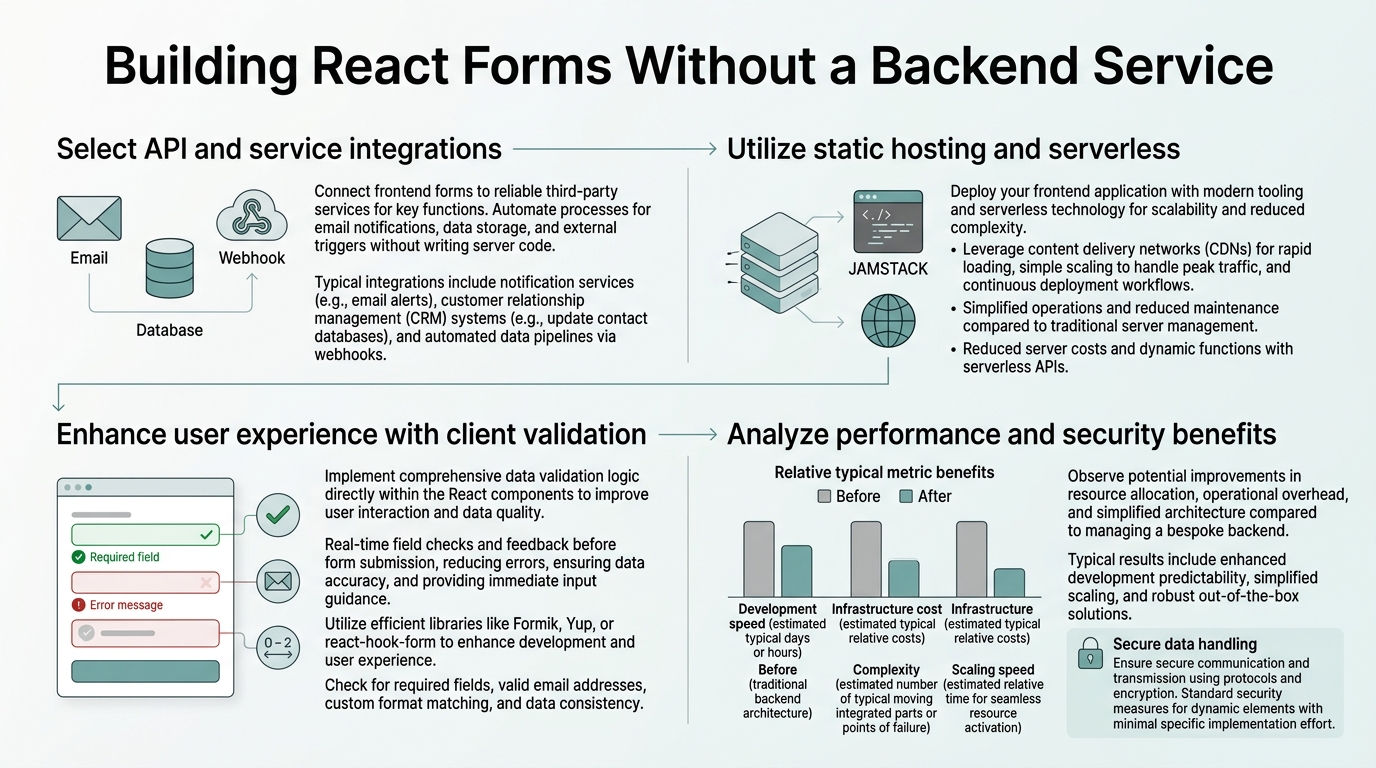
Building a custom backend for forms adds complexity that most indie developers and small teams can't justify. A proper backend requires server infrastructure, database setup, email configuration, security hardening, and ongoing maintenance. Most teams spend weeks on these tasks just to collect contact form submissions. According to Forminit's 2026 developer survey, 90% of landing pages avoid building custom backends entirely, relying instead on form submission services.
"The business case against custom backends is clear: maintenance overhead is permanent. Every database schema change, security patch, or scaling requirement becomes your responsibility." — Forminit Developer Survey 2026
The business case against custom backends is clear: maintenance overhead is permanent. Every database schema change, security patch, or scaling requirement becomes your responsibility. Form backend services eliminate this entirely by providing submission storage, email delivery, spam filtering, and a management dashboard as managed services.
- Infrastructure Cost: Renting servers, databases, and monitoring tools adds up to $50-200/month for a solo founder.
- Development Time: Building form endpoints, validation logic, and email workflows takes 20-40 hours per project.
- Security Responsibility: You're liable for data protection, GDPR compliance, and secure storage.
- Ongoing Maintenance: Patching vulnerabilities, scaling databases, and monitoring uptime become permanent chores.
- Debugging Complexity: When emails don't arrive or submissions vanish, debugging spans your frontend, backend, and email provider.
Form backend services remove this friction. They handle submission persistence, email delivery, spam filtering, and compliance so your team can focus on product features that differentiate your application.
Which React Form Library Should You Choose?
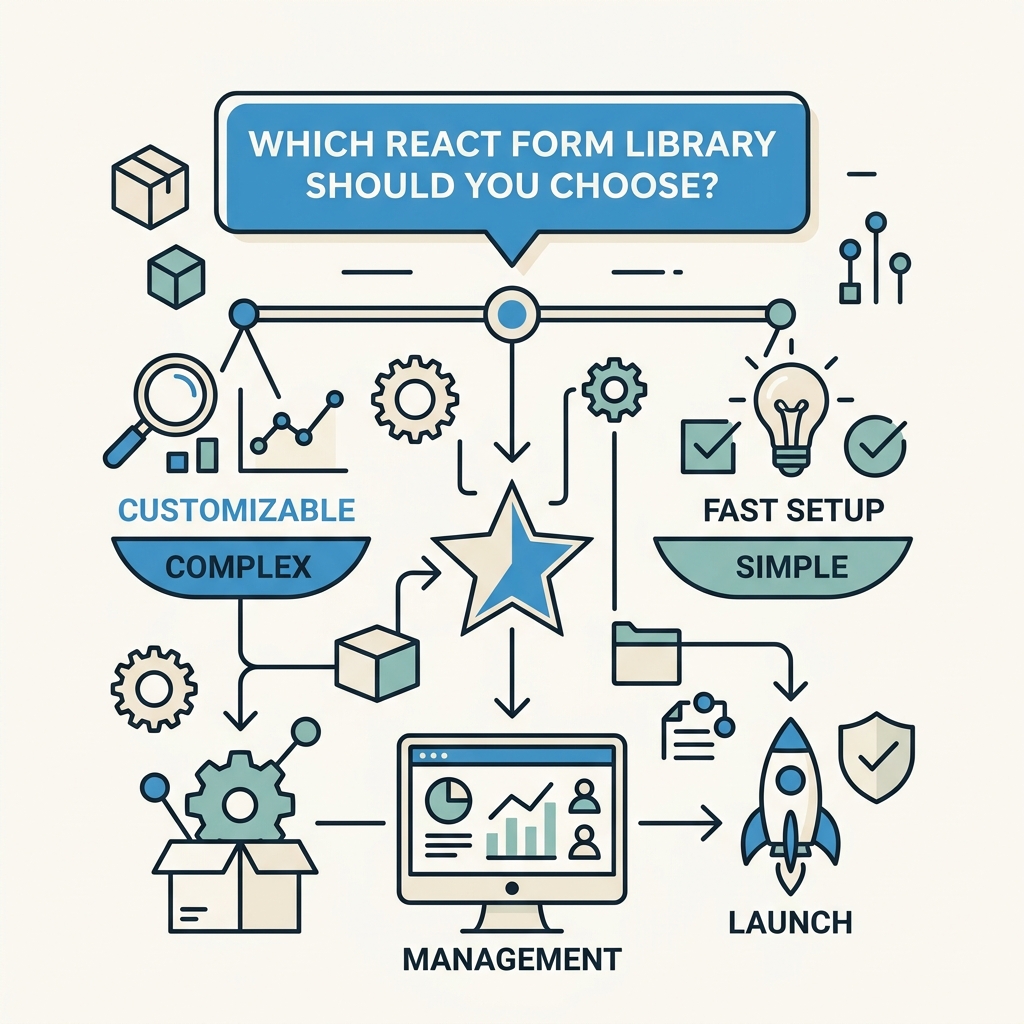
React Hook Form leads the ecosystem with 42.7k GitHub stars and 8.1M weekly npm downloads, making it the default choice for most teams building React applications. However, the right library depends on your form complexity and team preferences. According to Dataenriche's 2026 React validation comparison, client-side form libraries only handle validation and state management — they don't send submissions anywhere. You still need a backend service to receive the data.
Here's how the top options compare:
| Library | GitHub Stars | Weekly Downloads | Best For | Bundle Impact |
|---|---|---|---|---|
| React Hook Form | 42.7k | 8.1M | Pragmatic production SPAs with minimal overhead | ~9KB gzipped |
| Formik | 34.2k | 2.9M | Complex forms needing Yup schema validation | ~13KB gzipped |
| TanStack Form | 5k | 115k | Type-safe, headless form management in TypeScript | ~4KB gzipped |
| React Final Form | 7.4k | 361k | Performance-sensitive forms using subscription model | ~5KB gzipped |
For most React developers building static sites, landing pages, or SaaS platforms, React Hook Form is the pragmatic choice. It's battle-tested, has extensive documentation, and introduces minimal bundle overhead. If you're building a type-safe application with strict TypeScript requirements, TanStack Form is worth evaluating, though its smaller ecosystem means fewer third-party integrations.
React Hook Form for Production React Apps
React Hook Form's dominance stems from its pragmatic design: it uses uncontrolled components, which reduces re-renders and keeps your application performant even with large forms. The API is intuitive — most developers ship their first form within 30 minutes of learning the library. Integration with your form backend service (like FormBeam's submission endpoint) is straightforward.
"React Hook Form's dominance stems from its pragmatic design: it uses uncontrolled components, which reduces re-renders and keeps your application performant even with large forms."
A typical React Hook Form setup for a contact form looks like this: you define a form using the useForm hook, register fields, handle submission, and POST the data to your form backend. React Hook Form handles all client-side validation, error display, and field state — no backend involvement required at this stage. Once the user submits, your backend service receives, stores, and sends email notifications.
TanStack Form for Type-Safe Applications
TanStack Form (formerly React Final Form) is gaining traction in 2026 among teams building high-growth SaaS products that demand strict type safety. It's framework-agnostic and headless, meaning you control every aspect of form rendering. If you're using Zod for runtime schema validation, TanStack Form's TypeScript-first design pairs exceptionally well with schema-driven form logic.
The tradeoff is a steeper learning curve and a smaller community compared to React Hook Form. Use TanStack Form if type safety and validation composability are non-negotiable; otherwise, React Hook Form is the faster path to shipping.
How Form Backend Services Replace Your Backend Code
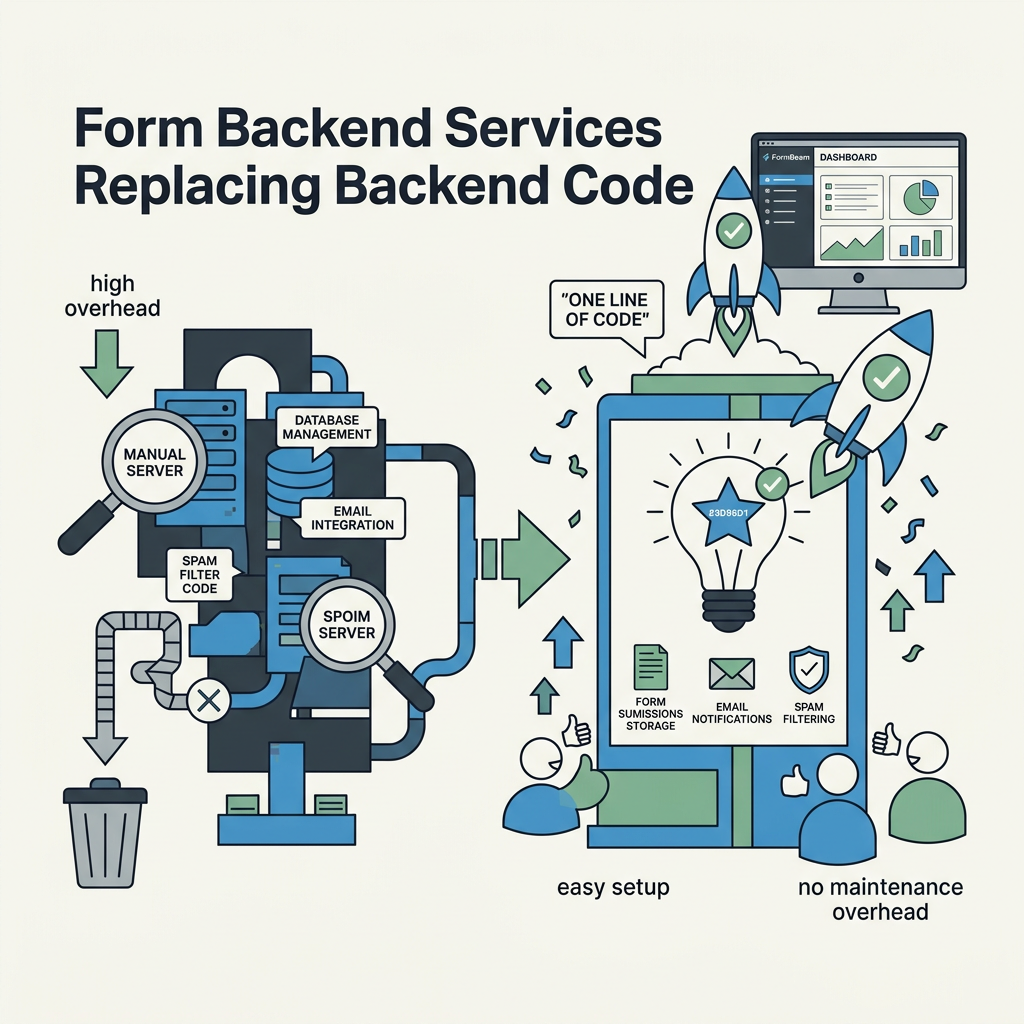
A form backend service is middleware between your React form and your inbox. It receives form submissions from your frontend, validates them, stores them in a database, and sends notifications — all without you writing backend code. Services like FormBeam, Formspree, and Basin start at $8-10/month for small teams, which is far cheaper and less time-consuming than renting servers and managing databases yourself.
Here's what happens when a user submits a form using a backend service:
- Your React form collects data and validates it client-side using React Hook Form or similar.
- On submission, the form POSTs the data to your backend service's endpoint.
- The service validates, filters spam, and stores the submission in its database.
- It sends you an email notification and optionally triggers webhooks or Zapier integrations.
- You view, search, and respond to submissions in the service's dashboard.
This approach eliminates the need for your own database, email server, or backend API. Creating a form endpoint in FormBeam takes under 5 minutes — you get a unique URL, embed it in your React submission handler, and you're done. Formspree, Basin, and Formgrid follow similar workflows. The main differences are pricing tiers, free submission limits, and additional features like file uploads or conditional logic.
Form Backend Service Comparison for React Projects
FormBeam is specifically designed for indie developers and small teams building static sites and React applications. It provides a simple, fast submission endpoint, built-in spam protection, instant email notifications, and a clean dashboard for managing responses. The free tier supports 100 submissions/month, with affordable paid plans starting at $9/month for 1,000 submissions. No setup required — just copy your endpoint and paste it into your React form's onSubmit handler.
"Form backend services remove friction by handling submission persistence, email delivery, spam filtering, and compliance so your team can focus on product features that differentiate your application."
Formspree is an older, well-established service popular among freelancers. It's reliable but charges $10/month to start, with higher limits than FormBeam on the same tier. Formspree works well for simple forms but lacks some of the advanced features smaller services have added in 2026.
Basin offers a clean, minimalist dashboard and focuses on UI simplicity. Pricing starts at $9/month, but the free tier is capped at 100 submissions/month. Basin integrates well with Zapier, which can be useful if you're automating downstream workflows.
Netlify Forms is free if you're deploying on Netlify, but it locks you into that platform. If you're hosting on Vercel, Cloudflare Pages, or your own infrastructure, Netlify Forms won't work. For platform-agnostic deployment, FormBeam and Formspree are better choices.
Building Your First React Form Without a Backend
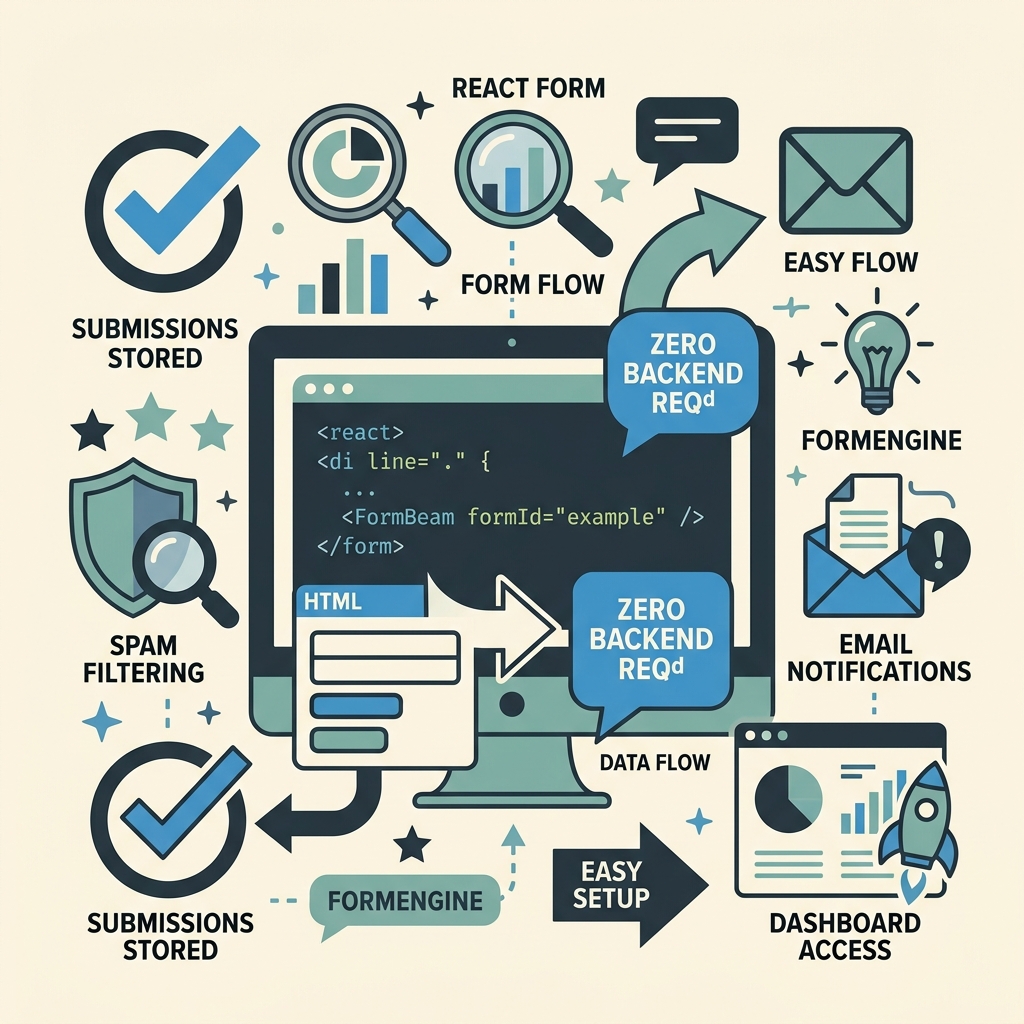
Let's walk through the process of building a production-ready contact form in React that handles submissions without any backend code you write yourself. You'll use React Hook Form for client-side validation and FormBeam for submission storage and email notifications.
Step 1: Set Up Your FormBeam Project
Start by signing up for FormBeam (the free tier gives you 100 submissions/month). Once logged in, create a new form by clicking "New Form" and naming it "Contact Form" or similar. FormBeam generates a unique endpoint URL that looks like https://formbeam.io/api/submit/[your-form-id]. Copy this URL — you'll need it in your React component.
Step 2: Install React Hook Form in Your React Project
If you haven't already, install React Hook Form in your project by running npm install react-hook-form. React Hook Form is a zero-dependency library, so there are no additional package requirements. It integrates cleanly with any React project, including Next.js, Remix, or standard Create React App setups.
Step 3: Create a Contact Form Component
Now build your form component using FormBeam's embedding documentation. Create a simple React component that collects name, email, and message, validates all fields, and submits to FormBeam. The component uses React Hook Form's useForm hook to manage form state, register input fields, and handle submission. On submit, the form data is POSTed to your FormBeam endpoint. If the request succeeds, the form resets and shows a success message. If it fails, an error message appears.
In this component, React Hook Form handles field registration, error display, and submission logic entirely. Validation happens client-side using React Hook Form's built-in rules. The required attribute ensures users can't submit empty fields. The email validation uses React Hook Form's pattern matcher. Once the user clicks submit, the form data goes straight to FormBeam's endpoint, which stores it and sends you an email notification.
Step 4: Configure Email Notifications in FormBeam
Log into your FormBeam dashboard and open the form you created. Go to the "Email" settings and add your email address as the recipient. FormBeam automatically sends you a confirmation email for every new submission. You can customize the email template if you want — for example, include only certain fields or format the data differently. With FormBeam's email configuration options, you can set reply-to addresses and custom sender names so your notifications look professional and route replies back to you correctly.
Step 5: Add Spam Protection
By default, FormBeam includes honeypot fields and rate limiting to block most spam. If you want extra protection, you can enable CAPTCHA validation in your form component. Many indie developers find the built-in spam filters sufficient for contact forms, since most spam bots don't execute JavaScript.
If you need stronger protection — for example, on a high-traffic landing page — add a simple honeypot field to your form: an invisible field that real users won't fill but bots will. This catches 90% of automated spam without requiring users to solve a CAPTCHA.
Advanced Patterns: Multi-Step Forms and File Uploads
Once you've shipped a basic contact form, you might need more advanced functionality. React Hook Form and FormBeam support several patterns that indie developers frequently use. When building multi-step forms or forms with file uploads, FormBeam's backend infrastructure handles the heavy lifting while React Hook Form manages the client-side experience.
Handling Multi-Step Forms with React Hook Form
React Hook Form's useFormContext hook lets you manage form state across multiple steps. You can store partial data in a React state object, show different field sets on each step, and submit the complete payload to FormBeam only on the final step. This creates a smooth user experience without requiring backend logic — all the stepping and validation happens in React.
Supporting File Uploads in React Forms
FormBeam supports file uploads up to 10MB per file, which covers most use cases (PDFs, images, documents). In your React form, use the standard HTML file input and attach it to React Hook Form's register function. When the user submits, the form sends the file data to FormBeam along with other fields. FormBeam stores the files and sends you a link in the email notification so you can download them. Learn more about handling file uploads with FormBeam.
File upload support is critical for job applications, support requests, and other forms where users need to attach documents. Most competing services charge extra for file uploads or cap the file size aggressively; FormBeam includes reasonable file support on all paid plans.
Deployment Considerations for React Forms
One of the biggest advantages of using a form backend service is that it works regardless of where you deploy your React application. Whether you're on Vercel, Netlify, Cloudflare Pages, or a traditional server, your form submissions go directly to FormBeam — no platform-specific configuration required.
Static Site Deployment (No Backend Runtime)
If you're deploying a static site — for example, a Next.js static export or a Gatsby build — you have no backend runtime to handle form submissions. A form backend service is the only practical option. Your React frontend sends submissions to FormBeam, which handles persistence and notifications independently of your hosting platform. This approach works on any host, from GitHub Pages to paid CDNs.
CORS and Cross-Domain Submissions
FormBeam and similar services handle CORS correctly, so you can submit forms from any domain without preflight request headaches. This matters if you're testing locally (localhost), staging on a subdomain, or deploying to multiple environments. No backend CORS configuration required — the service handles it automatically.
Monitoring and Debugging Form Submissions
When a form submission fails in a React app using a custom backend, debugging involves checking server logs, database records, and email queues. With FormBeam, you see every submission in your dashboard — including failed requests, spam-filtered entries, and detailed error messages. If a submission doesn't arrive, the problem is visible immediately, either in the dashboard or the browser console.
Conclusion
Building React forms without a custom backend is the standard practice in 2026 for indie developers, small teams, and even enterprise applications. 90% of companies use form backend services instead of building their own infrastructure, recognizing that the time and cost savings far outweigh any perceived control benefits.
The process is straightforward: choose a lightweight form library like React Hook Form (42.7k stars, 8.1M weekly downloads) for client-side validation, pick a form backend service like FormBeam for submission handling, and you're done. No servers to rent, no databases to maintain, no security patches to manage. Your team ships forms in hours instead of weeks, and your infrastructure costs stay near zero until you scale to tens of thousands of submissions.
Try FormBeam today and see how much faster you can build and ship forms. The free tier gives you 100 submissions per month at no cost — enough to test the platform and validate that your form setup works end-to-end before upgrading to a paid plan.
FAQs
Can I submit a React form directly to an email address without a backend?
No. React runs entirely in the browser, so it can't send emails directly — it has no access to SMTP servers or email providers. You need a backend service to receive form data and route it to email. Services like FormBeam, Formspree, and Basin provide this functionality instantly, converting your form submission into an email notification without requiring you to set up mail servers. FormBeam includes email notifications on all plans, including the free tier.
What's the fastest way to add a production-ready contact form to a React site?
Use React Hook Form for validation and FormBeam for submission handling. This combination takes under 30 minutes to ship: install React Hook Form, create a form component, generate a FormBeam endpoint, and point your form's onSubmit handler to it. You get email notifications, submission storage, spam protection, and a management dashboard automatically. No backend code, no database configuration, and no ongoing maintenance — this approach scales from solo projects to dozens of forms across multiple sites.
Do I need a CAPTCHA or honeypot for spam protection on my React form?
Most contact forms benefit from simple honeypot fields rather than CAPTCHAs. A honeypot is an invisible form field that real users won't see or fill, but bots will. This catches 90% of automated spam without annoying users. FormBeam includes honeypot protection and rate limiting by default. If you receive persistent spam even with honeypots enabled, you can add a CAPTCHA layer, but this should be a last resort — studies show CAPTCHAs increase form abandonment by 10-15%.