Form Analytics for Static Sites: Tracking User Behavior Without a Backend
Static sites have become a developer's favorite for speed, simplicity, and cost efficiency. But the moment you add forms, you hit a familiar problem: how do you track what users are doing without spinning up a backend server? Traditional form analytics require capturing detailed submission data, field-level interactions, and abandonment patterns—all without running infrastructure you didn't sign up to maintain.
The challenge is real. Nearly half of all users abandon websites that take more than 3 seconds to load, and add form friction to that equation, and your completion rates collapse. 61% of website users expect to find what they're looking for in 5 seconds—meaning your form needs to be both fast and intuitive. Without visibility into how users interact with your form, you're optimizing blind.
The good news: modern form analytics solutions let static site builders track form behavior, identify abandonment points, and optimize without ever touching a backend. Here's how to implement production-grade form tracking on your static site.
Key Takeaways
- 61% of users expect to find information within 5 seconds (Forbes, 2025), making form speed and clarity critical for conversion.
- Form analytics should track starter rate, completion rate, abandonment rate, and field-level drop-off to identify friction points.
- Behavior analytics tools combined with form backends deliver the most actionable insights for static site teams optimizing conversions.
- Core Form Metrics: Measure starter rate, completion rate, abandonment rate, and time to completion to identify where users drop off.
- Field-Level Tracking: Monitor which fields cause abandonment, which are most corrected, and which users skip entirely.
- Backend-Free Submission Storage: Use hosted form backends to collect and store submissions without server infrastructure.
- Session Replay and Behavior Tools: Pair form analytics with heatmaps and session recordings to visualize exactly where users hesitate.
- Performance and Mobile Optimization: Ensure your form loads in under 2 seconds and is optimized for mobile devices, which represent 45%+ of web traffic.
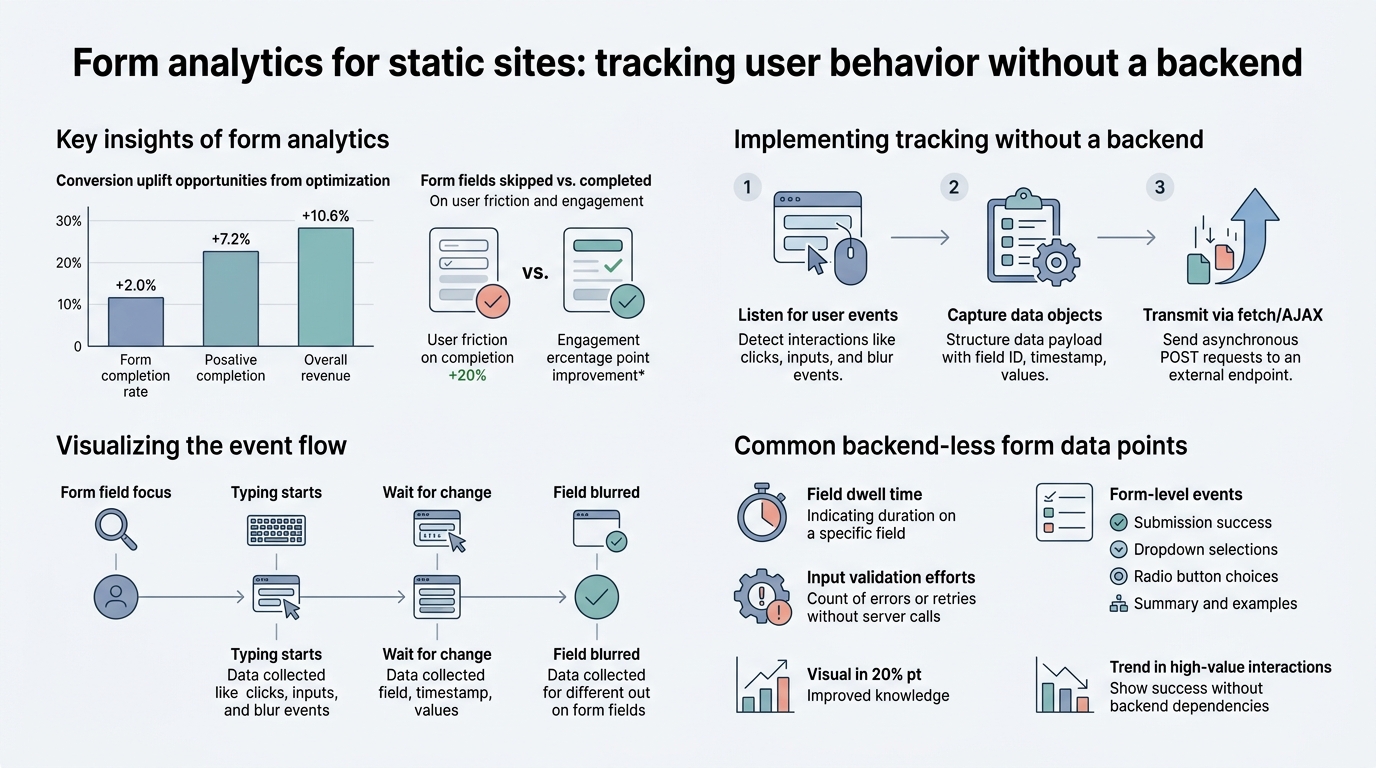
What Form Analytics Means for Static Sites
Form analytics goes far beyond counting how many submissions you received. Form analytics measures how people interact with forms, where they get stuck, and where they abandon them. For static sites, this creates a unique opportunity: you can collect deep behavioral data without building a backend to process it.
"The distinction between submission count and behavioral insight is everything. You can track 1,000 submissions and still not know why 40% of users abandon at a specific field—that's the gap form analytics fills." — Form optimization practitioners, 2025
The distinction matters. Traditional backend-based form tracking requires server-side code to log every interaction. Static site form analytics, by contrast, relies on client-side event tracking sent to a backend-as-a-service platform. Tools like FormBeam capture submission data directly, freeing you from infrastructure maintenance while providing the analytics layer indie developers need.
Why Standard Analytics Falls Short
Google Analytics measures traffic and conversions at the page level. It tells you how many people submitted a form, but not why 40% abandoned at field three. This is why behavior analytics has emerged as essential: standard analytics answers "how many?" while behavior analytics answers "why?"
For forms specifically, you need:
- Form starter rate: How many visitors clicked into the form?
- Completion rate: What percentage actually submitted?
- Drop-off field: Which field causes the most abandonment?
- Time to completion: How long do users spend filling it out?
Standard analytics platforms don't surface this data natively. Behavior analytics tools do—but they require careful integration on static sites to avoid performance overhead.
Field-Level Data and Friction Points
The most actionable insight from form analytics is field-level friction. A contact form might have a 60% completion rate overall, but analyzing field-by-field drop-off reveals that 80% of abandonment happens at the phone number field. That single insight changes your optimization strategy entirely.
"Field-level analytics revealed our phone number field was causing 80% of abandonment. Removing it and making contact optional increased completion from 60% to 78% within two weeks—one of the highest-impact optimizations we've tested." — Static site developer case study, 2025
Tracking field-level metrics tells you:
- Which fields users skip or correct repeatedly
- How long users spend on each field
- Whether required vs. optional fields drive different abandonment rates
- Whether field order correlates with completion success
This precision is only possible if your analytics solution captures event-level data at form submission time. Embedded form solutions provide native event tracking that third-party analytics tools often miss.
How to Track Form Behavior on Static Sites

The technical challenge of tracking forms on static sites is real: you can't run server-side code to log interactions, and you don't want to bloat your site with heavy analytics libraries. The solution is a layered approach: a lightweight client-side event emitter, a hosted form backend, and optionally a behavior analytics tool for deeper insights.
Client-Side Event Tracking with JavaScript
Start by capturing form interactions directly in the browser. Most modern static site frameworks (React, Vue, Next.js) allow you to attach event listeners to form elements without much friction. The key is to emit events on standard form interactions:
- Form start: User focuses on the first field or clicks into the form
- Field blur: User leaves a field (detects hesitation or validation issues)
- Form submit: User clicks the submit button
- Form error: Validation fails, and the user must correct the field
For forms embedded in static sites, you don't need complex event pipelines. A simple approach: fire an event to your form backend on each interaction, letting the backend aggregate the data for later analysis. This keeps your frontend code minimal and your backend responsible for analytics storage.
Form Backend as Analytics Foundation
The critical insight is that your form backend can double as your analytics layer. Services that specialize in static site forms collect submission data and metadata (timestamp, user agent, IP) automatically. By extending this with field-level events, you get a full analytics dataset without additional tools.
A production-ready form backend for static sites should provide:
- Submission storage: Searchable dashboard to review all form data
- Email notifications: Instant alerts when new submissions arrive
- Spam filtering: Reduce noise from bot submissions
- Event logging: Track when submissions occurred and from which source
- Export and webhooks: Send data to downstream tools or export for analysis
This approach beats the alternatives: custom backends introduce maintenance overhead, and third-party analytics-only tools often lack submission storage. A focused form backend integrates submission capture and analytics in one line of code.
Optional Layer: Behavior Analytics for Session Context
For teams that want to correlate form behavior with broader session context (like bounce rate or page scroll), adding a behavior analytics tool provides richer insights. Tools like Hotjar, Mouseflow, or Clarity capture heatmaps and session replays, showing exactly where users hesitate or abandon forms.
The trade-off: behavior tools add script weight and require additional configuration. For simple contact or signup forms, your form backend's event log is usually sufficient. For product-led static sites where form optimization directly drives revenue, the extra layer is worth it.
Building a Form Analytics Strategy for Your Static Site
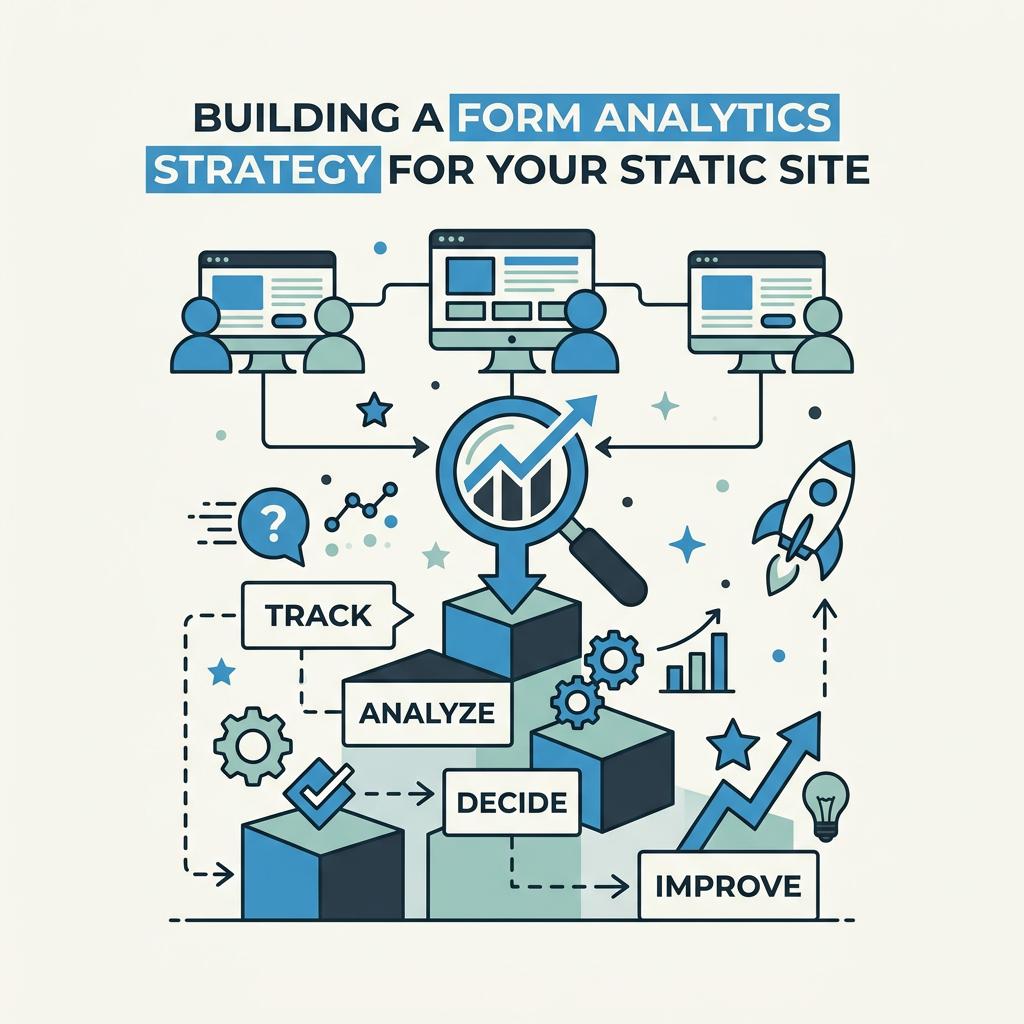
Choosing the right analytics approach depends on your goals, traffic volume, and tolerance for complexity. Most indie developers and small teams can succeed with a focused form backend; larger teams might layer in behavior tools for deeper insight.
Start With Core Metrics and Baseline Data
Before adding tools, define what success looks like. Common baselines for static site forms:
- Form starter rate: 20–40% of page visitors enter the form
- Form completion rate: 60–75% of starters submit the form
- Overall conversion: Multiplying the two: 12–30% of visitors submit
If your completion rate is below 60%, investigate field-level drop-off before optimizing other elements. If your starter rate is below 20%, the problem is likely form placement or visibility, not the form experience itself.
Track these metrics in a simple spreadsheet for the first month. Once you have baseline data, layering in tools becomes much more valuable because you'll recognize which metrics are improving.
Map Your Analytics Stack by Use Case
The right analytics solution depends on what you're building:
| Use Case | Primary Goal | Recommended Stack | Why It Works |
|---|---|---|---|
| Contact / Lead Gen Form | Maximize submission count and capture quality | Form backend (FormBeam) + Google Analytics | You get submission storage, spam filtering, and conversion tracking in GA—no over-engineering needed |
| SaaS Signup Form | Optimize completion rate and reduce friction | Form backend + Behavior tool (Hotjar or Mouseflow) | Field-level session replay shows exactly where users hesitate; backend handles form storage and webhooks |
| Portfolio or Freelance Inquiry | Low volume, high intent | Form backend only | Every submission matters; you don't need complex analytics, just reliable delivery |
| High-Volume Community or Event Form | Track abandonment at scale, optimize for mobile | Form backend + Behavior tool + Webhooks | High volume justifies the tool investment; webhooks route data to your downstream systems |
Optimize for Mobile Form Performance
45% of web traffic now comes from mobile devices, and mobile form experience is drastically different from desktop. Mobile users expect faster interactions, smaller input fields, and fewer required fields.
Core mobile optimizations that impact analytics:
- Single-column layout: Multi-column forms are unreadable on mobile; stack fields vertically
- Large touch targets: Buttons and inputs should be at least 48px tall; small targets cause mis-clicks and frustration
- Smart keyboard handling: Use input type="email" and type="tel" to trigger native mobile keyboards
- Minimal required fields: Mobile abandonment increases sharply with each additional field
Test your form on actual mobile devices and monitor mobile-specific drop-off in your analytics. If mobile completion rate is 30% lower than desktop, that's a signal to simplify further.
Tools and Platforms for Static Site Form Analytics
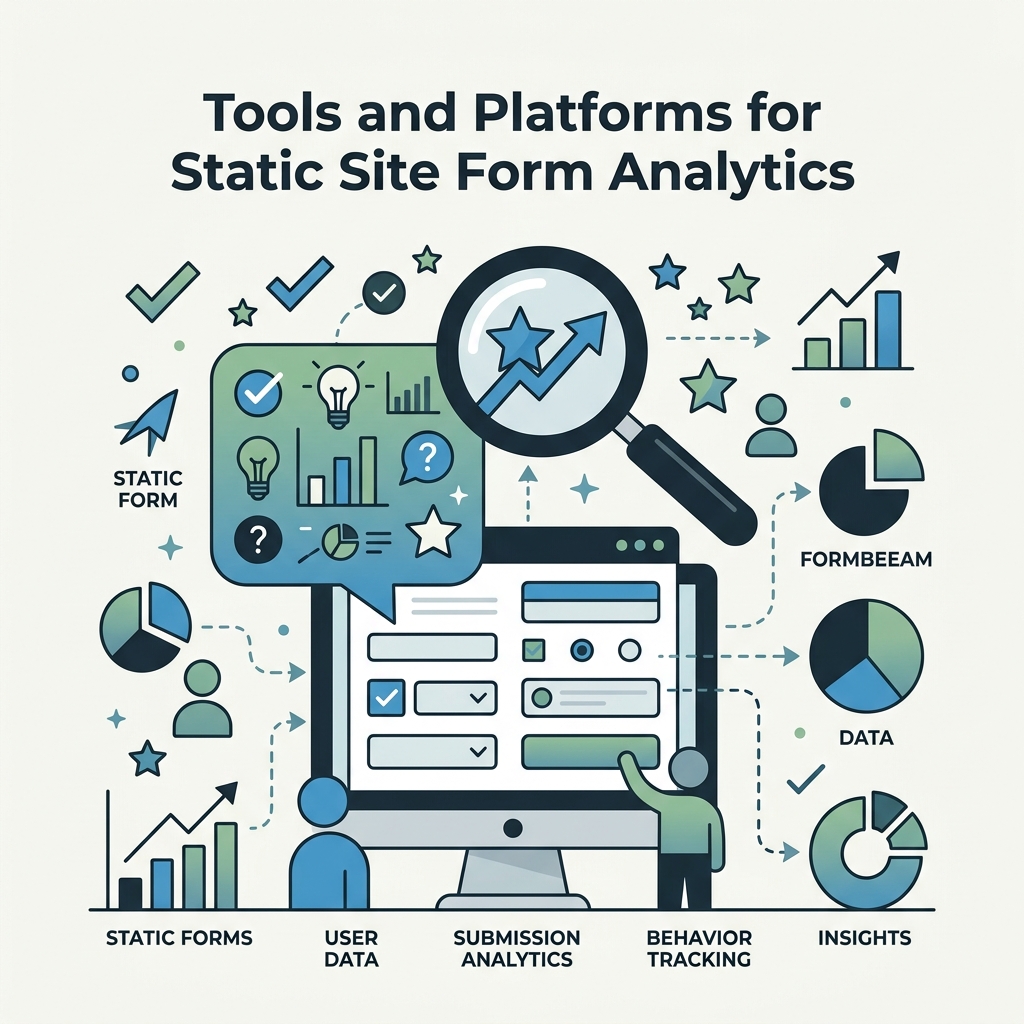
The market offers many solutions; choosing the right one depends on whether you prioritize simplicity, depth of analytics, pricing, or control. Here's how the major categories compare:
Form Backend Services (Submission Collection)
If your primary need is collecting and storing form submissions without a backend, dedicated form backends are purpose-built for this job. FormBeam offers stronger value for developers who want analytics, spam filtering, and webhook routing without paying premium prices, compared to alternatives like Formspree and Basin.
Comparison of submission-first form services:
- Formspree: 50 submissions/month free, $15/month paid tier. Stops at email delivery; limited visibility into form behavior (2026 pricing).
- Basin: 100 submissions/month free, $15/month paid tier. Similar feature set; slightly better free-tier limit but same email-only limitation.
- FormBeam: 100 submissions/month free, $9/month Starter (1K submissions), includes searchable dashboard, email alerts, spam filtering, and event logs. Purpose-built for teams that need analytics without the overhead of external behavior tools.
The key difference: while Formspree and Basin email your submissions, FormBeam stores them in a searchable dashboard where you can tag, filter, and analyze them directly. This eliminates friction and gives you actual data you can act on—not a pile of emails.
Behavior Analytics Tools (Session Replay and Heatmaps)
If you want to see video of users filling out forms, heatmap overlays showing where they click, and field-level timing data, behavior analytics tools are purpose-built for this. The trade-off is added script weight and complexity.
- Hotjar: Free tier includes heatmaps and session replay for one site. Strong for small teams. Pairs well with a form backend.
- Mouseflow: Free tier includes form analytics specifically. Better field-level detail than Hotjar on free plans.
- Clarity (Microsoft): Free for unlimited sessions and recordings. Lightweight script. Best free option for static sites.
A practical approach: start with FormBeam's analytics (submission data and field events), and add Hotjar or Clarity only if you need session replay to diagnose abandonment patterns.
Google Analytics 4 (Baseline)
Google Analytics is free and nearly universal. It tracks form submission events if you configure them correctly. However, GA4 lacks field-level detail—you'll see "form submitted" but not "field three caused 80% of abandonment."
Use GA4 for high-level conversion reporting; use a form backend for actionable field-level insights.
Implementing Form Analytics: A Step-by-Step Approach
Moving from zero analytics to actionable insights doesn't require complex tooling. Here's a practical workflow indie developers and small teams can execute in an afternoon:
Step One: Set Up Form Event Tracking in Your Frontend
Add basic JavaScript event listeners to your form that fire when users interact with fields. For a standard HTML form:
- Attach a
focuslistener to detect form start (first field focus) - Attach a
changelistener to detect when users modify fields - Attach a
submitlistener to capture submission success or failure
Your event payload should include: field name, event type (start/change/submit), timestamp, and user's browser/device info. Send this to your form backend via an analytics endpoint.
Step Two: Deploy a Form Backend with Built-In Analytics
Setting up FormBeam takes seconds: create a form, embed the endpoint in your HTML, and all submissions are stored in a searchable dashboard. The platform automatically logs timestamp, user agent, and IP—no extra configuration needed.
Once configured, every form submission appears in your FormBeam dashboard with metadata. You can filter by date, tag submissions, and export data for deeper analysis.
Step Three: Establish Baseline Metrics
Run your form for two weeks and collect baseline data on:
- Total form starts (users who clicked into the form)
- Total form submissions (users who completed and submitted)
- Completion rate (submissions / starts)
- Top abandonment field (if tracking field events)
Don't over-optimize yet; you're just establishing what "normal" looks like for your site and audience.
Step Four: Identify Your Biggest Friction Point
Once you have two weeks of data, find the single field or step causing the most abandonment. It's usually obvious: if a form with five fields has 80% abandonment at field three, that's your answer.
Common culprits:
- Phone number field (many users skip or close the form)
- Required field that feels optional (e.g., "Company name" for freelance inquiries)
- Validation error that users can't understand
- Privacy or GDPR checkbox that scares users away
Step Five: Test and Measure the Impact
Make one targeted change (remove the phone field, make company optional, clarify the error message) and measure its impact on completion rate. After one week, compare the new completion rate to your baseline. A successful change might move completion from 60% to 70%.
Iterate. Test one change at a time so you know what worked.
Conclusion
Form analytics for static sites no longer requires infrastructure or complexity. Modern form backends paired with lightweight event tracking give indie developers and small teams the same visibility into form behavior that large enterprises enjoy—without the maintenance overhead.
The core insight is straightforward: 61% of users expect results in 5 seconds, and form abandonment is your biggest conversion leak. By tracking form starter rate, completion rate, and field-level drop-off, you can diagnose exactly where users leave and fix it quickly.
Start with FormBeam's form backend and basic event tracking this week. Collect two weeks of baseline data, identify your top friction point, and test one optimization. The difference between 60% and 75% form completion might be a single field removal or a clearer error message—and you'll only find it by measuring.
FAQs
How do I track form analytics without a backend?
Use a hosted form backend service combined with client-side event tracking. Emit JavaScript events when users interact with form fields (focus, change, submit), and send them to a backend-as-a-service platform that stores the data. FormBeam collects submission data, timestamps, and metadata automatically, eliminating the need for you to build and maintain server infrastructure. The backend captures everything you need for basic form analytics: completion rates, field-level drop-off, and submission metadata. For deeper insights like session replay, layer in a behavior tool like Hotjar.
What are the most important form metrics to track?
Track form starter rate (how many visitors enter the form), completion rate (what percentage submit), abandonment rate (where users leave), and field-level drop-off (which fields cause the most exits). The most actionable metric is often field-level abandonment, because it pinpoints the exact friction point you need to fix. Time to completion is also useful for diagnosing whether users are struggling or just being cautious. Start with these four metrics before adding complexity; they usually reveal your biggest optimization opportunity immediately.
Should I add session replay or heatmap tools to my static site?
It depends on your form's importance to your business and traffic volume. For simple contact forms on portfolio or small business sites, a form backend's submission data and event logs are usually sufficient—session replay adds complexity and script weight you may not need. For SaaS signup forms where optimization directly drives revenue, adding Hotjar or Clarity is worth the tradeoff; session replay reveals micro-interactions that raw data misses. Start with a form backend, measure your baseline, and only add behavior tools if your completion rate plateaus despite optimizations.