
Deploying Forms on Vercel, Netlify, and GitHub Pages
Static site hosting platforms like Vercel, Netlify, and GitHub Pages have become the backbone of indie developer and small-team operations. Yet one challenge persists: collecting form submissions without building backend infrastructure. Today, 40% of Jamstack sites run on Netlify, 30% on Vercel, and 15% on GitHub Pages, according to 2026 hosting adoption data. The gap? Each platform handles forms differently, and many developers still spend weeks integrating or maintaining custom submission solutions. This article cuts through the confusion, showing you exactly how to deploy production-ready forms on all three platforms and why a headless form backend eliminates the complexity entirely.
Key Takeaways
- Netlify hosts 40% of Jamstack sites with built-in form support (100k free submissions/month), while Vercel and GitHub Pages require third-party integrations (2026 Hosting Adoption Data)
- Multi-step forms with real-time validation reduce abandonment by 40%, making proper form architecture critical for conversion
- Static sites load 3x faster than dynamic alternatives, achieving Core Web Vitals scores that rank higher when paired with efficient form backends
- Netlify Forms: Native form handling with spam filtering, zero configuration, ideal for simple lead capture and contact submissions.
- Vercel Deployment: Serverless functions enable custom form logic and integrations, best for teams needing workflow automation.
- GitHub Pages Form Integration: Third-party services required; cost-free hosting pairs well with lightweight form backends for portfolio sites.
- Headless Form Backends: Services like FormBeam abstract infrastructure entirely, handling submission storage, notifications, and data export from a single embed.
- Security and Spam Protection: Built-in filtering on Netlify, manual CORS configuration on Vercel, and careful API selection on GitHub Pages prevent bot abuse.
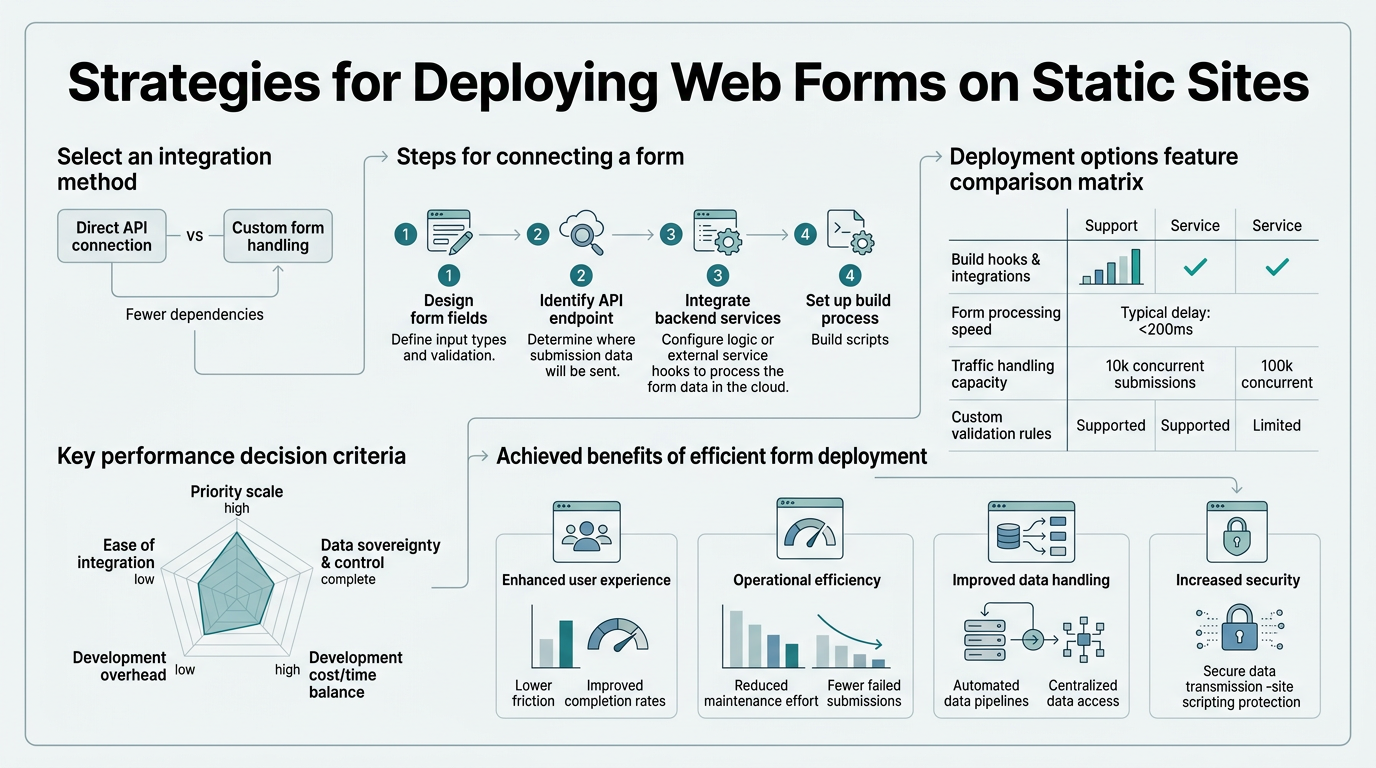
Understanding Form Deployment Across Static Hosts
Each platform approaches form handling differently due to their architectural constraints. Static sites cannot process server-side logic natively, so forms require external services. Understanding each platform's native capabilities and limitations is the first step to choosing the right deployment strategy for your project.
Why Forms Matter on Static Sites
Static sites eliminate server overhead and deliver content instantly. However, this speed advantage disappears if your form workflow introduces friction. Multi-step forms with real-time validation reduce abandonment by 40%, according to Tryformbot's 2026 form design research. Without proper form handling, you lose that conversion benefit. The goal is deploying forms that collect submissions reliably while maintaining the performance advantages that drew you to static hosting in the first place.
"Static sites win by being fast. If your form library adds 200KB of JavaScript, you've negated the entire speed advantage. Prefer services that handle logic server-side, keeping client-side bundles lean."
— Best Practices for Form Performance
The Three-Platform Landscape
Netlify, Vercel, and GitHub Pages occupy different niches in the static hosting ecosystem. Netlify dominates with 100,000 free form submissions monthly and built-in spam protection. Vercel excels at performance, offering edge deployment and serverless functions for custom workflows. GitHub Pages provides free, minimalist hosting for portfolios and open-source projects. Choosing between them depends on form volume, budget, and integration complexity.
Deploying Forms on Netlify

Netlify Forms is the most straightforward option for static sites, requiring only HTML markup and zero backend code. Netlify's native form system handles spam filtering automatically, protecting your submission pipeline without extra configuration. Setup takes minutes, and the platform handles everything from storage to notifications.
Setting Up Netlify Forms
Deploying a form on Netlify begins with a single HTML attribute. Add netlify to your form element: <form name="contact" method="POST" netlify>. During the build process, Netlify detects this attribute, registers the form, and activates submission handling automatically. No API keys. No backend endpoints. No deployment scripts.
When visitors submit the form, Netlify stores submissions in the Forms dashboard. You can view submissions in real-time, export them as CSV, or configure email notifications. The free tier includes 100,000 monthly submissions, more than sufficient for most indie projects. For higher volumes, paid plans scale affordably.
"Setup takes minutes, and the platform handles everything from storage to notifications. For indie developers, this eliminates weeks of custom integration work."
— Netlify Forms Deployment Benefits
Advanced Netlify Form Features
Netlify Forms goes beyond basic data collection. File uploads are supported natively — add type="file" to any form field, and Netlify stores uploaded files alongside submission data. Conditional fields let you show or hide form sections based on user input using JavaScript, improving UX without backend complexity. Honeypot fields (hidden inputs) block common bots, while Netlify's built-in akismet integration filters spam automatically.
For automation, Netlify integrates with Zapier, Slack, and email services via webhooks. Configure a webhook URL in your form settings, and Netlify POSTs each submission there, enabling auto-replies, CRM syncing, or payment processing without custom code. Embedding forms with full submission tracking becomes seamless when you understand these native capabilities first.
Deploying Forms on Vercel
Vercel takes a different approach: it offers serverless functions rather than native form handling, giving developers fine-grained control over submission workflows. This flexibility comes with added complexity. Vercel's edge network delivers responses with sub-second latency globally, making it ideal for performance-critical applications. If your form requires custom validation, payment processing, or third-party integrations, Vercel's API routes and serverless functions provide the scaffolding.
Building Forms with Vercel Serverless Functions
Deploy a form on Vercel by creating an API route in the /api directory. For example, /api/submit-form.js becomes an HTTP endpoint. Inside, you handle POST requests, validate data, and integrate with databases or external services:
- Validation Layer: Check required fields, sanitize inputs, and reject invalid data before storage.
- Database Integration: Connect to PostgreSQL, MongoDB, or Supabase to persist submissions securely.
- Third-Party APIs: Trigger Slack notifications, send emails via SendGrid, or sync with HubSpot in the same function.
- Error Handling: Return meaningful error messages to the frontend so users know what went wrong.
On the frontend, submit your form via JavaScript to the Vercel endpoint. Handle responses to show success/error states to the user. The entire workflow runs serverlessly, scaling automatically during traffic spikes.
Security Considerations on Vercel
With custom serverless functions, security is your responsibility. Enable CORS only for your domain to prevent cross-origin form spam. Validate and sanitize all inputs to block SQL injection and XSS attacks. Use environment variables to store API keys securely — never hardcode credentials in client-side code. Rate-limit your endpoints to prevent abuse. Gethugothemes' 2026 security guide emphasizes that serverless functions inherit responsibility for input sanitization and access control. Vercel's preview deployments and analytics help you monitor unusual traffic patterns before they reach production.
"With custom serverless functions, security is your responsibility. CORS misconfiguration can leak submission data or block legitimate requests. Test headers carefully before deploying to production."
— Vercel Security Best Practices
Deploying Forms on GitHub Pages
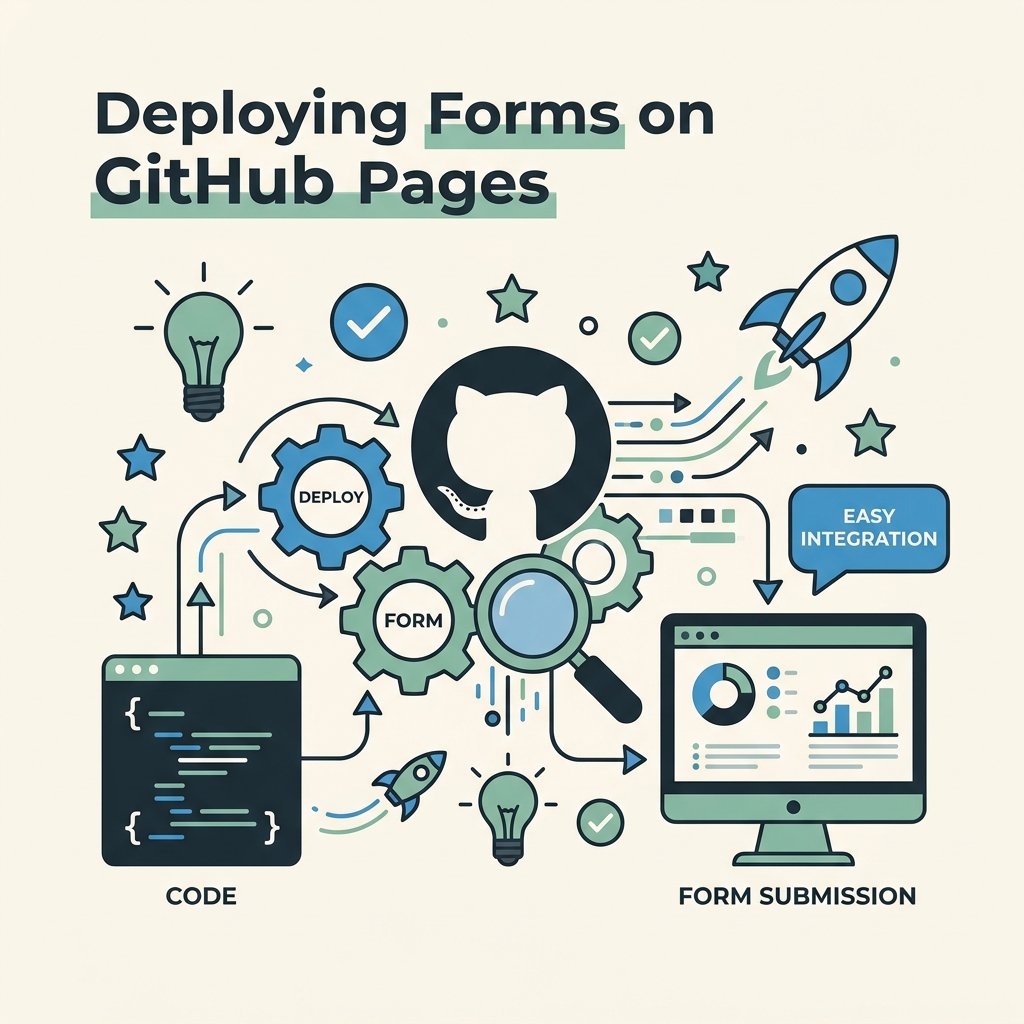
GitHub Pages offers free static hosting for HTML, CSS, and JavaScript — but zero server-side support. Forms must integrate with external services. GitHub Pages powers free portfolios and open-source documentation sites, making it ideal for developers avoiding hosting costs. The trade-off: you must carefully select third-party form backends to maintain performance and privacy standards.
Integrating Third-Party Form Services on GitHub Pages
Since GitHub Pages cannot handle submissions natively, use dedicated form services like Formspree, Staticman, or headless form backends. Formspree offers a straightforward path: create a free account, add your email, and point your form's action attribute to Formspree's endpoint. When users submit, Formspree stores the data and emails you a notification. Simple, but limited in features and storage duration.
Staticman takes a developer-first approach: it commits submissions to your GitHub repository as YAML files, keeping all data in version control. This works well for low-volume sites and gives you complete transparency. However, setup requires configuring a Staticman bot and merging pull requests — complexity unsuitable for high-traffic forms.
Performance and Privacy on GitHub Pages
GitHub Pages serves static files with excellent speed and global CDN distribution. Avoid third-party form services that load heavy JavaScript libraries, as they degrade performance. Opt for lightweight backends that handle logic server-side, keeping client-side bundles under 50KB. Privacy matters too: if you process user data, choose GDPR-compliant services and document your data retention policies clearly. Spam protection mechanisms vary widely across services, so audit each option against your threat model.
Comparison: Form Handling Across Platforms
The following table summarizes key differences in form deployment across Netlify, Vercel, and GitHub Pages. This comparison helps you evaluate which platform best suits your form requirements.
| Feature | Netlify Forms | Vercel Serverless | GitHub Pages + Third-Party | FormBeam |
|---|---|---|---|---|
| Setup Time | 5 minutes | 30-60 minutes | 15-30 minutes | 2 minutes (one-line embed) |
| Free Submissions/Month | 100,000 | 2,000,000 (function invocations) | Varies by service | 100 |
| Spam Protection | Built-in (akismet) | Manual (CORS, rate-limit) | Service-dependent | Automatic + honeypot |
| Email Notifications | Built-in | Custom code required | Service-dependent | Built-in + auto-reply |
| File Uploads | Supported | Custom implementation | Service-dependent | Supported |
| Data Export | CSV export available | Manual query implementation | Service-dependent | CSV + API access |
| Best For | Simple contact forms, blogs | Complex workflows, custom logic | Minimal-cost portfolios | Indie devs + small teams, all platforms |
FormBeam stands out as the unified solution across all three platforms. Rather than managing different tools per host, starting with FormBeam requires a single embed line that works identically on Vercel, Netlify, and GitHub Pages. You get automatic spam filtering, email notifications, searchable submissions, and file uploads without learning each platform's quirks. For indie developers juggling multiple static sites, this consistency reduces cognitive load and deployment time dramatically.
Best Practices for Form Deployment
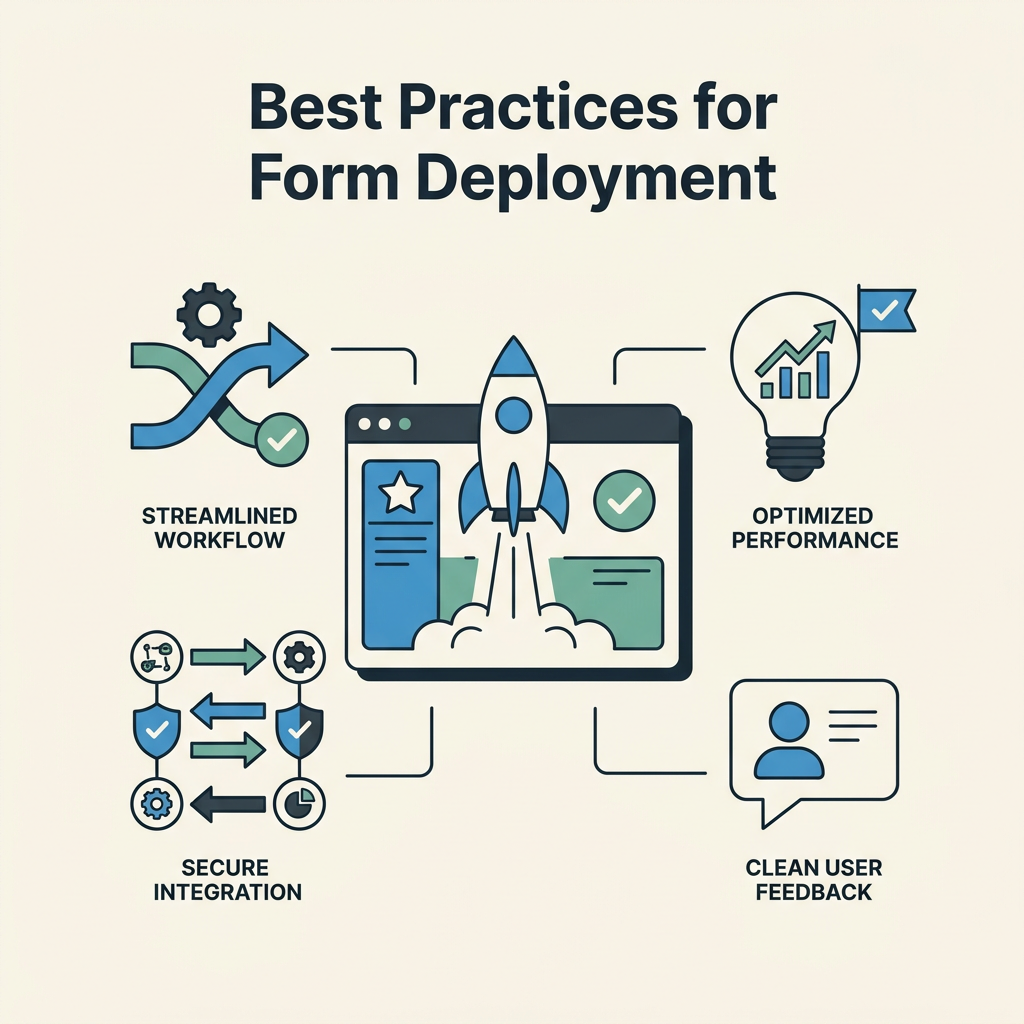
Real-time field validation improves completion rates by 25%, according to form design research from Tryformbot. Validate on the frontend for instant user feedback, then re-validate server-side to prevent invalid data storage. Keep forms short: each additional field adds 3-5% abandonment risk. Show progress bars on multi-step forms to reduce perceived complexity.
Security and Data Handling
All form platforms transmit data over HTTPS by default, protecting submissions in transit. However, storage and access control vary. Ensure your chosen service encrypts data at rest, implements role-based access control, and provides audit logs. GDPR compliance requires explicit user consent before processing personal data; include clear privacy notices and links to your data policy. Test CORS headers carefully: misconfigured cross-origin policies can leak submission data or block legitimate submissions. Email configuration options should support custom domains and SPF/DKIM setup to ensure notifications reach inboxes reliably.
Monitoring and Optimization
Track form abandonment by field: which inputs cause users to drop off? Most form services provide funnel analytics. Use this data to simplify high-abandonment fields or provide clearer labels. Monitor spam submission rates and adjust honeypot settings if needed. A/B test CTA button text: "Submit" versus "Send" can shift completion rates by 10-15%. Set up email alerts for submission errors so you catch configuration problems immediately rather than discovering lost data weeks later.
Avoiding Common Pitfalls
Indie developers often encounter preventable form deployment failures. The most common: forgetting to set up email notifications, leaving forms unmoderated and missing submissions for weeks. Another: using unvalidated form data directly in backend integrations, causing data corruption or API failures. Third: deploying on the wrong platform for your use case — selecting GitHub Pages for a high-volume lead-generation form that would be better served by Netlify's native handling.
A subtle pitfall: loading heavy form JavaScript libraries that delay Core Web Vitals. Static sites win by being fast. If your form library adds 200KB of JavaScript, you've negated the entire speed advantage. Prefer services that handle logic server-side, keeping client-side bundles under 50KB. Adding contact forms to static websites should never compromise your site's performance profile.
Selecting Your Form Solution
Start by defining your requirements: How many submissions monthly? Do you need file uploads? Email notifications? CRM integration? Custom validation logic? Once you've answered these, the right platform becomes obvious.
Choose Netlify Forms if you need simple contact forms, lead capture, or blog comment sections. Setup is immediate, pricing is generous, and built-in spam protection requires zero configuration.
Choose Vercel Serverless if you're building complex workflows: payment processing, multi-step signup funnels, or integrations requiring custom business logic. You're trading deployment simplicity for control.
Choose GitHub Pages + Third-Party if you're prioritizing zero cost and have low submission volume. Understand that you're responsible for vetting the third-party service's reliability and privacy practices.
Choose FormBeam if you want consistency across multiple platforms, streamlined form management without vendor lock-in to a single host, and a unified dashboard for all submissions. FormBeam works on Vercel, Netlify, GitHub Pages, and any HTML site — you embed once and manage all forms in a single interface. The free tier supports 100 submissions monthly, with transparent pricing that scales as you grow.
Deploying Your First Form
Let's walk through deploying a working contact form on each platform. This hands-on section solidifies the concepts above and gives you a concrete starting point.
Netlify Form: Step by Step
Create an HTML file with a form element:
<form name="contact" method="POST" netlify>
<input type="text" name="name" placeholder="Your Name" required />
<input type="email" name="email" placeholder="Your Email" required />
<textarea name="message" placeholder="Message" required></textarea>
<button type="submit">Submit</button>
</form>
Push this file to your Git repository and deploy to Netlify. During build, Netlify detects the netlify attribute and activates form handling. Visit your site's Netlify dashboard under "Forms" to view submissions. Done. No backend code required.
Vercel Form: Step by Step
Create an API route at pages/api/contact.js:
export default function handler(req, res) {
if (req.method === 'POST') {
const { name, email, message } = req.body;
// Validate inputs
if (!name || !email || !message) {
return res.status(400).json({ error: 'All fields required' });
}
// TODO: Save to database or send email
return res.status(200).json({ success: true });
}
}
On the frontend, submit the form to /api/contact via JavaScript. Handle the response to show success/error messages. Deploy to Vercel; the function is live immediately.
GitHub Pages Form: Step by Step
Sign up for Formspree. Create a form in their dashboard and copy the endpoint. Update your HTML form:
<form action="https://formspree.io/f/YOUR_FORM_ID" method="POST">
<input type="text" name="name" placeholder="Your Name" required />
<input type="email" name="email" placeholder="Your Email" required />
<textarea name="message" placeholder="Message" required></textarea>
<button type="submit">Submit</button>
</form>
Formspree handles submission processing and sends you email notifications. Submissions are also stored in your Formspree dashboard.
Conclusion
Deploying forms on Vercel, Netlify, and GitHub Pages requires understanding each platform's constraints and capabilities. Netlify Forms handles 100,000 free submissions monthly with zero configuration, making it the fastest path for simple contact forms. Vercel's serverless functions enable custom workflows and edge caching at sub-second global latency, ideal for performance-critical applications. GitHub Pages demands third-party integration but costs nothing, perfect for minimalist portfolios.
Each platform excels for specific use cases, but they share a common challenge: context-switching between different form management interfaces. This is where FormBeam simplifies your workflow. With FormBeam, one embed works across all three platforms, giving you a unified dashboard for submissions, automatic spam filtering, email notifications, and file uploads. Whether you're collecting leads on Vercel, managing event registrations on Netlify, or maintaining a portfolio on GitHub Pages, FormBeam eliminates the platform-specific friction and lets you focus on what matters: converting site visitors into customers.
Try FormBeam today. Your first form takes 120 seconds to deploy.
FAQs
Which platform is best for high-volume form submissions?
Netlify offers 100,000 free submissions monthly, the highest limit among the three platforms. Vercel's serverless functions theoretically handle millions of invocations but require custom database setup for storage. GitHub Pages has no native limit but depends entirely on your third-party service choice. For indie developers expecting rapid growth, Netlify's generous free tier and affordable paid plans make it the most cost-effective choice. However, if you need unified form management across multiple platforms, a headless approach simplifies scaling as you grow.
Can I use forms on GitHub Pages without a third-party service?
No. GitHub Pages serves only static files and has no server-side processing capability, so you must use an external service to handle form submissions. Staticman stores submissions as YAML files in your repository via automated commits, keeping data in version control. Formspree handles submission processing and email notifications directly. Basin is another lightweight option optimized for GitHub Pages users. Each approach trades convenience for control: Staticman gives full data ownership but requires bot configuration, while Formspree handles everything automatically but stores data on their servers.
How do I prevent spam submissions on static site forms?
Built-in spam filtering is available on Netlify via akismet integration, requiring no additional setup. On Vercel, implement honeypot fields (hidden inputs that real users won't fill but bots will), rate-limiting per IP address, and CORS restrictions to your domain only. On GitHub Pages, your chosen third-party service determines spam protection. Formspree includes basic filtering, while Staticman relies on your repository's commit moderation. All platforms benefit from CAPTCHA alternatives like reCAPTCHA v3, which scores user behavior without visible challenges. The strongest defense combines multiple tactics: honeypot fields, rate-limiting, and a trusted form backend that monitors submission patterns and automatically blocks abusive IP ranges.